

Drawtify Review


What is Drawtify?
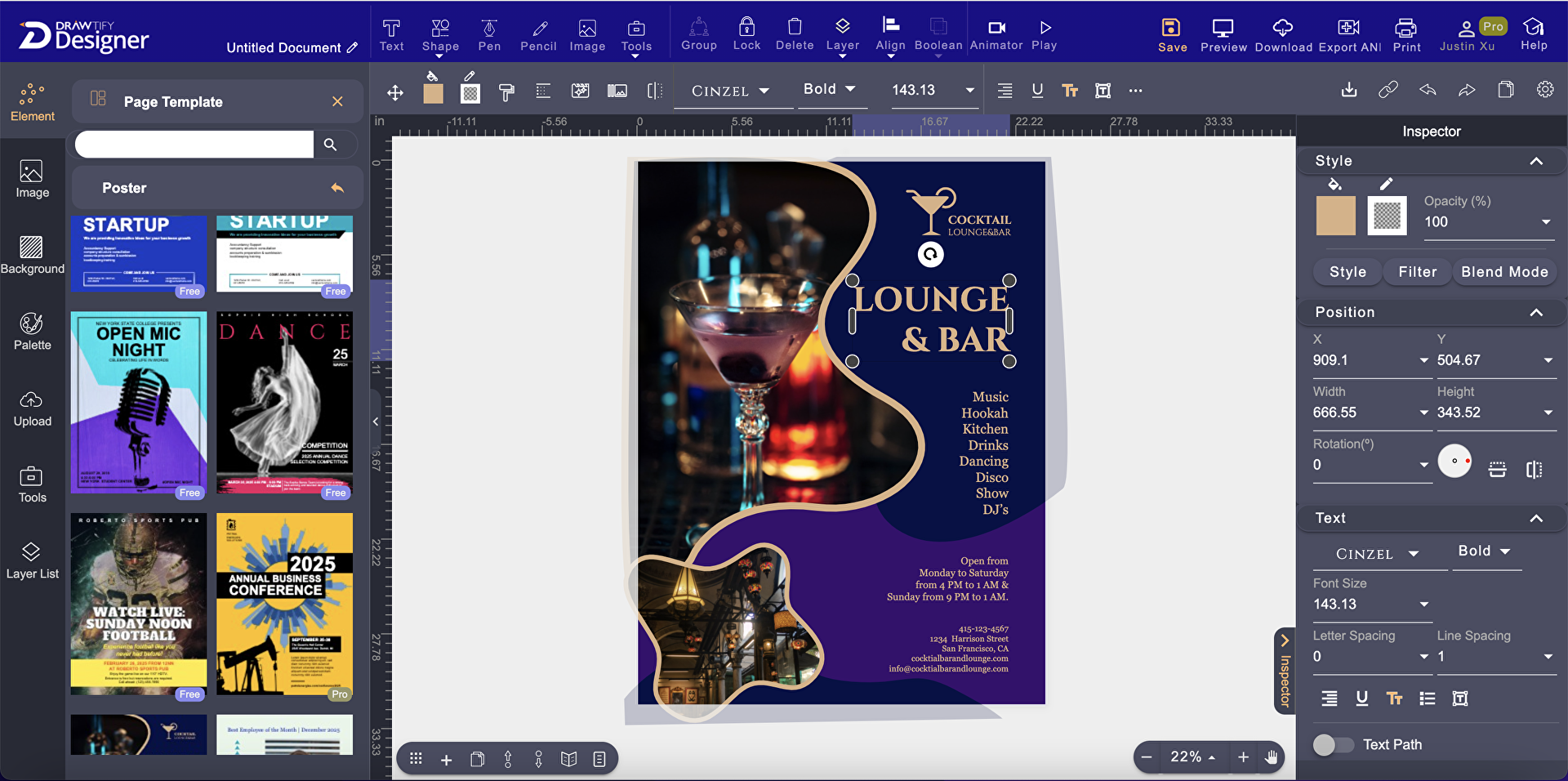
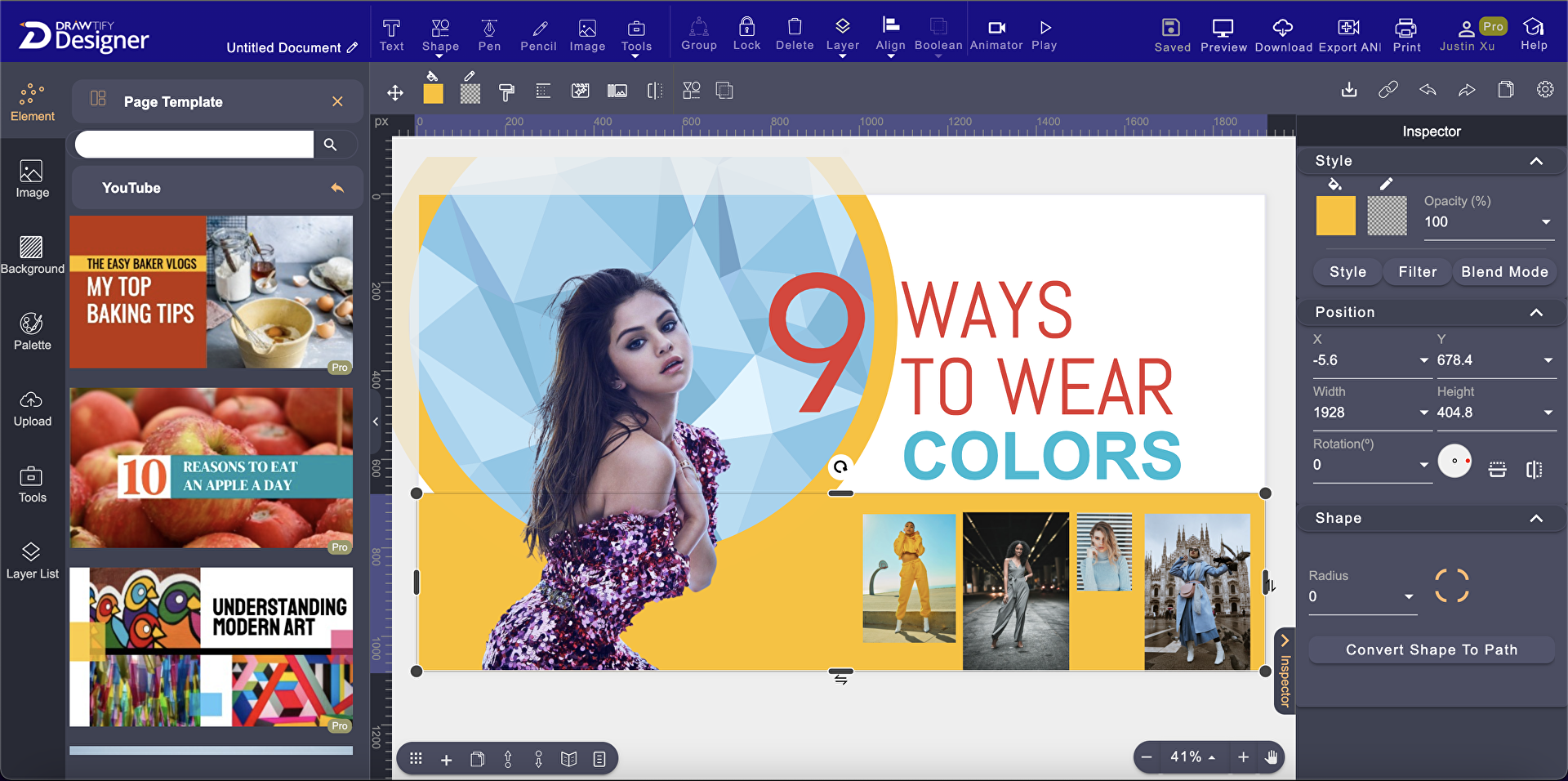
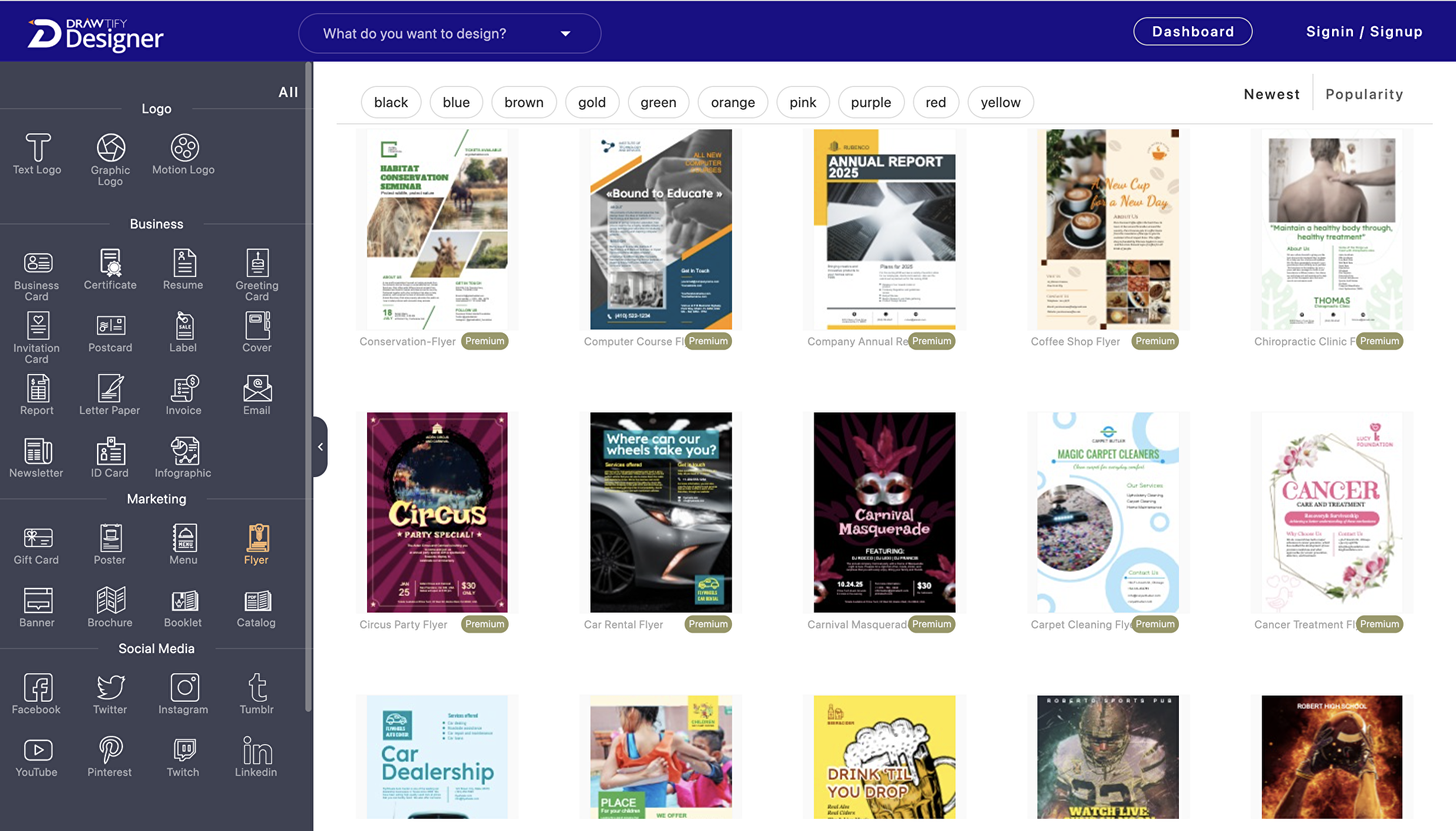
Drawtify is a graphic design tool that makes the process of creating eye-catching and creative graphic designs much easier for business owners, designers, and editors. The software allows you to produce various types of graphic designs for your business. These include logos, banners, business cards, brochures, flyers, posters, illustrations, product catalogs, menus, infographics, animations, and social media contents.
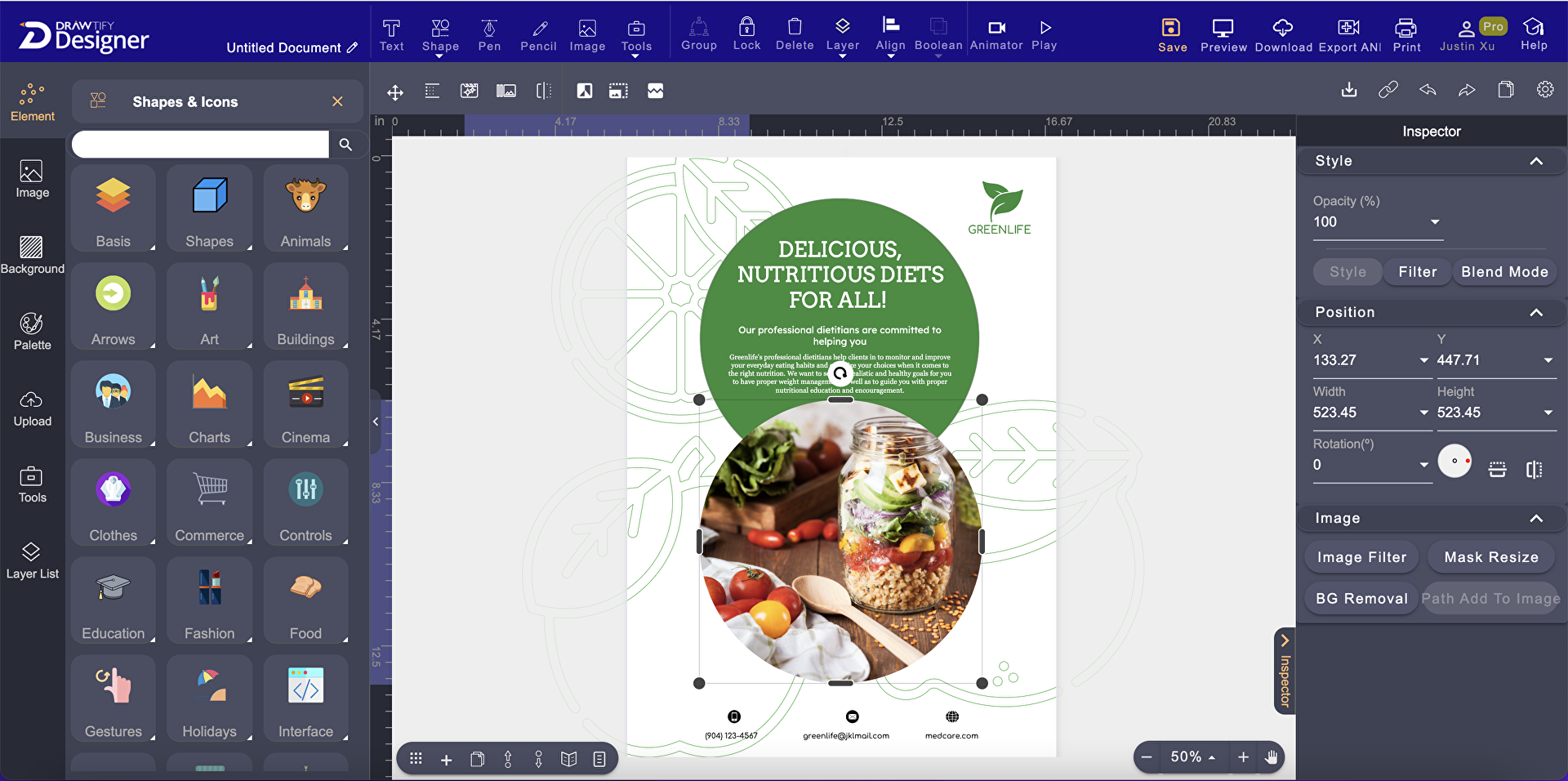
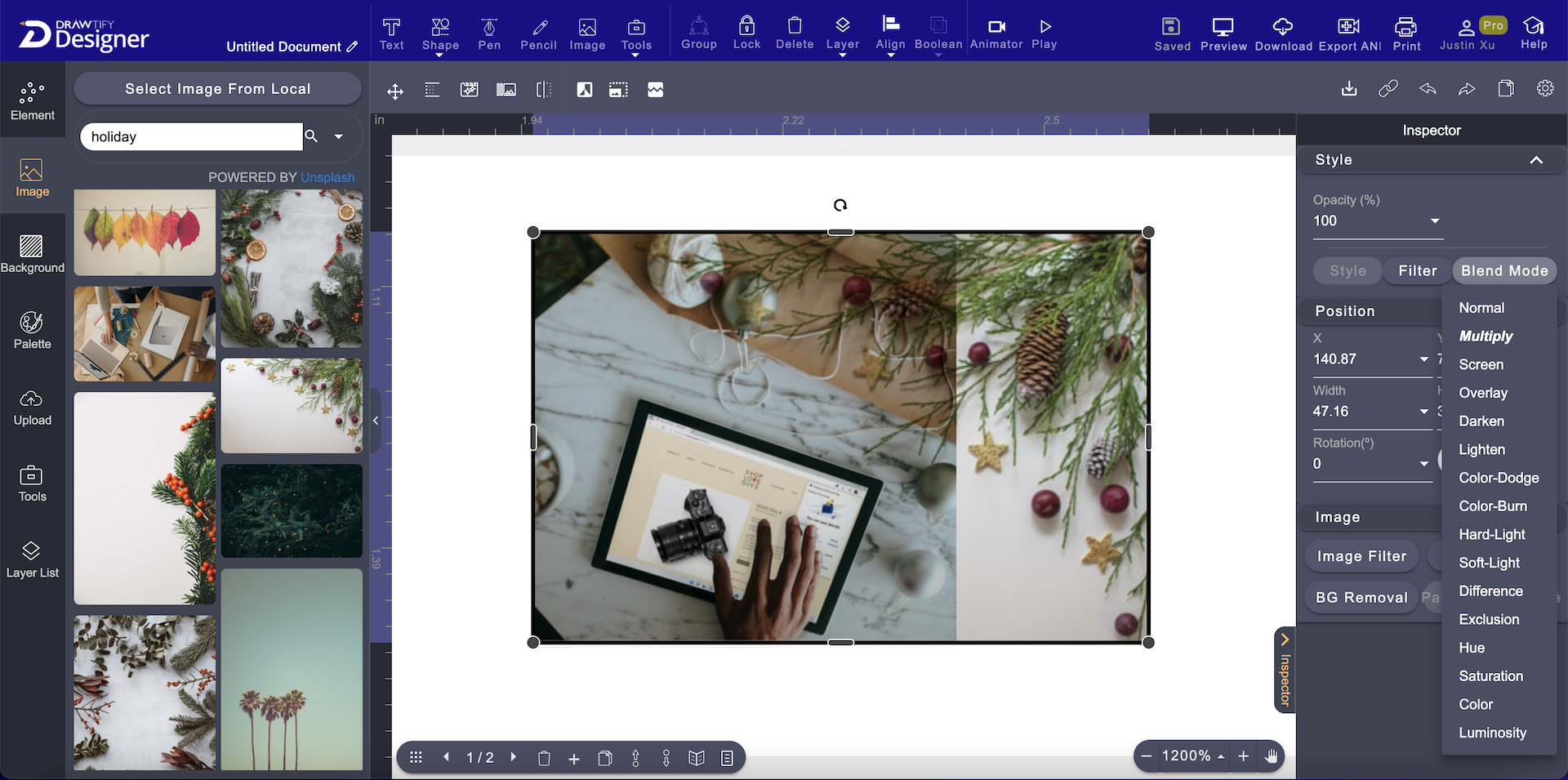
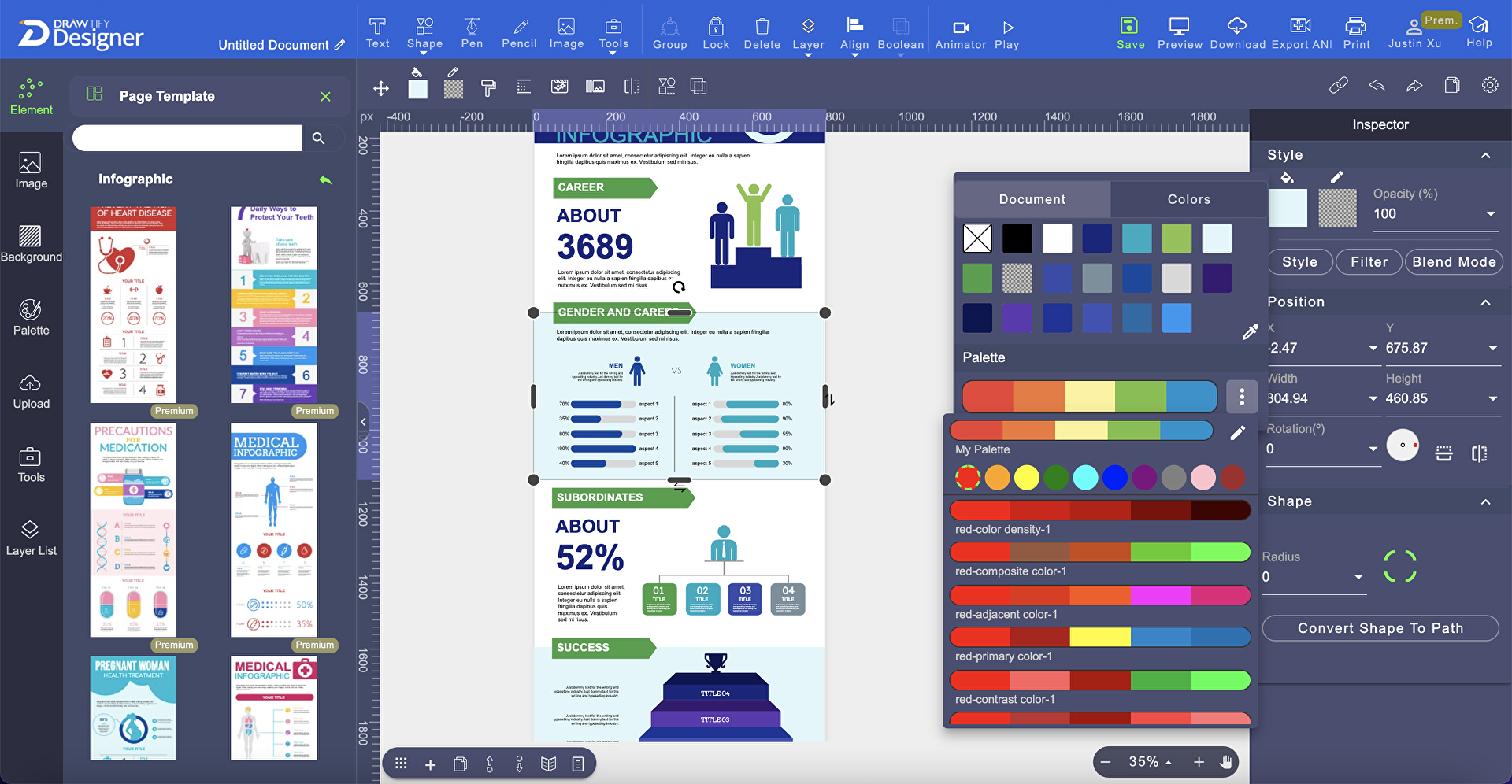
Drawtify integrates all the essential tools, functions, and resources you need into a single online solution so you can easily and quickly design contents and images and achieve better results. You’ll be able to draw and customize shapes and transform them into vector graphics. Drawtify, moreover, permits you to edit built-in or imported photos by applying filters, adjusting their transparency, or masking some portions of them.
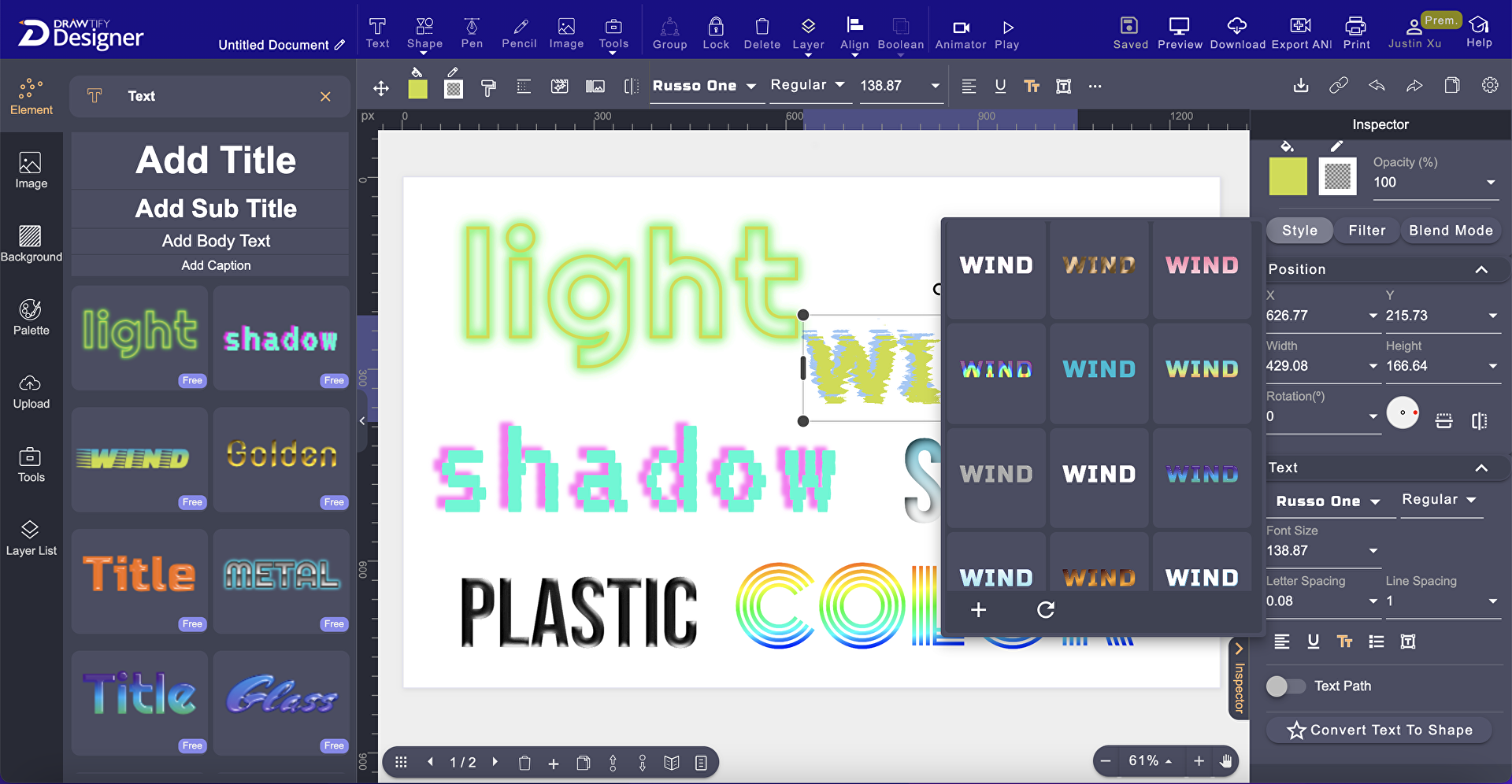
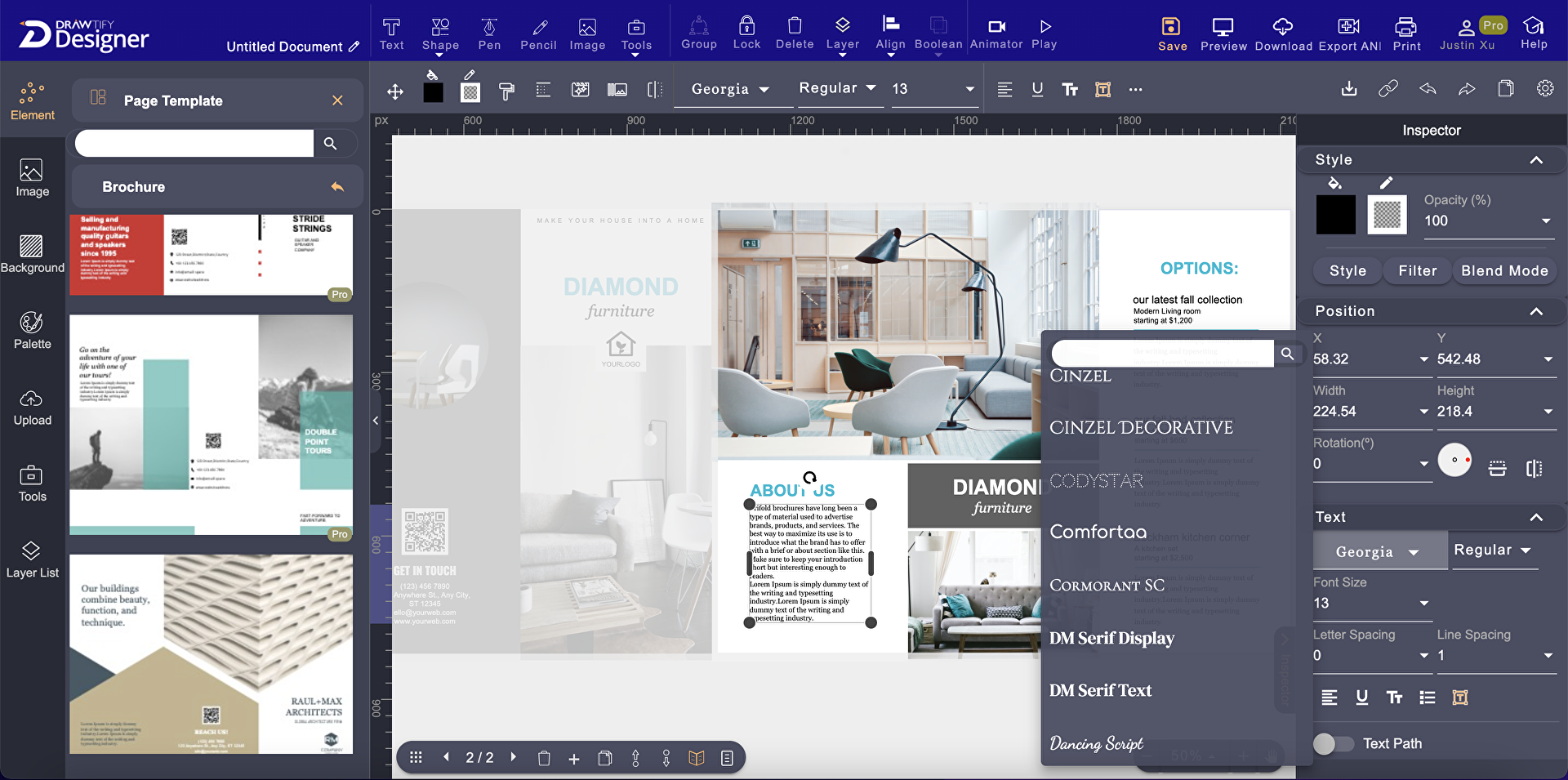
The graphic design software is also built with a wide range of typography functions that allow you to modify the style and appearance of texts in a more artistic manner. It helps you instantly create animations for your digital publications as well. Lastly, Drawtify has a large library of online resources where you can access a lot of plug-ins, templates, images, graphic elements, icons, and color schemes.
Show MoreOverview of Drawtify Benefits
Create Vector Graphics
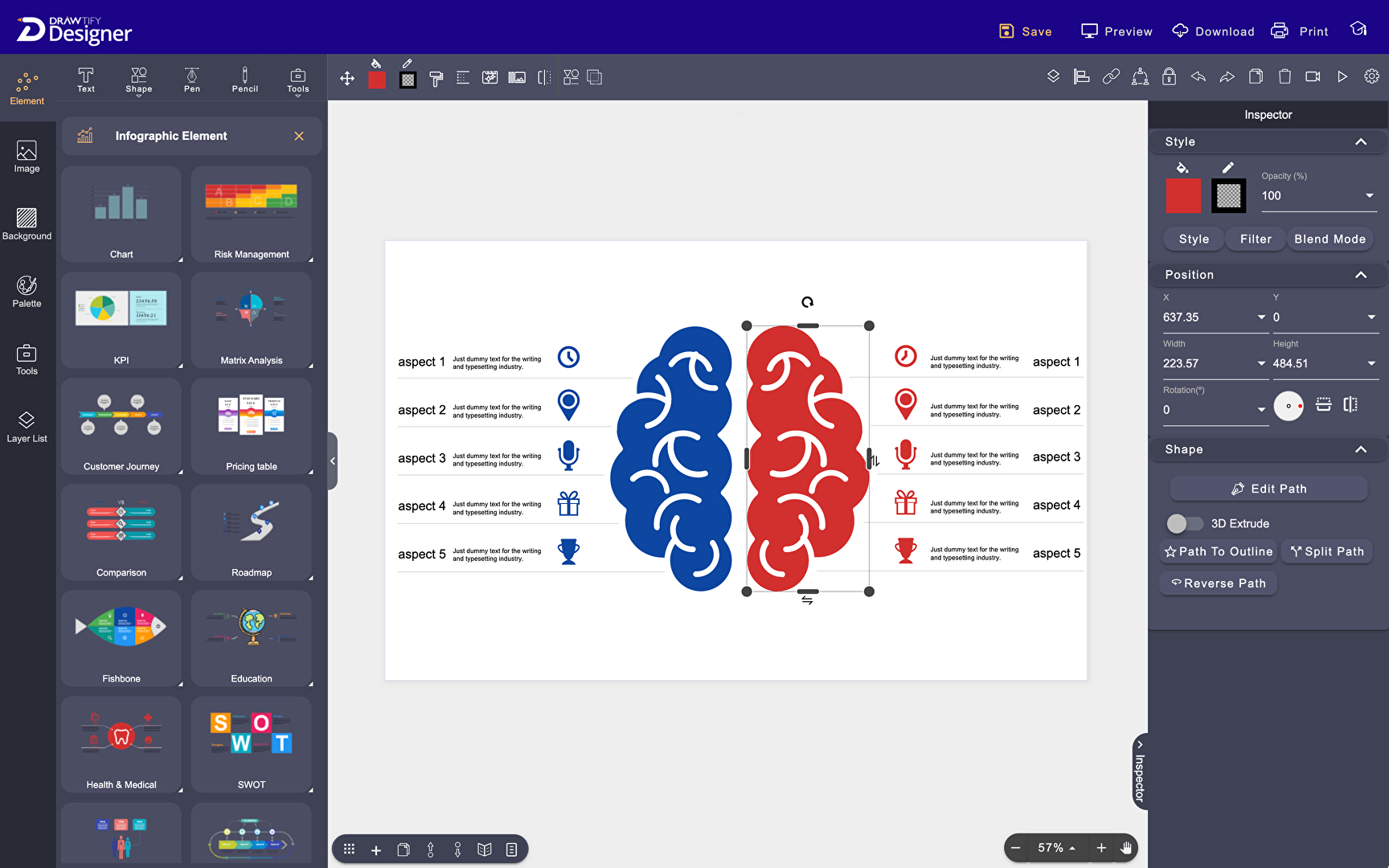
Drawtify lets you unleash your creativity and come up with eye-catching and high-quality vector graphics. You can create vector graphics by editing and customizing the shapes you drawn within Drawtify or those ones pre-built or imported into the software. For instance, you can draw any shapes you want and convert them into paths which you can modify. You can also fill the shapes with colors, gradients, and images of your choice and apply animation effects. This makes your vector graphics more appealing and engaging.
Use Layout Features
With Drawtify, you’ll be able to easily set and change the arrangement of components and elements included in your graphic designs. This is possible using its layout features. If you like to replace any existing content in your design, all you need to do is simply drag and drop the new content onto where the original content is located. The software automatically updates all other documents. pages, or areas of your design where the original content is also found, permitting you to replace contents throughout your design with just a single key.
You can also change the alignment, spacing, height, and width of your design’s contents and components quickly and consistently. These features give you the opportunity to design and produce specific types of business graphics faster, including reports, flyers, brochures, newsletters, booklets, business cards, and product catalogs.
Access Vast Online Resources
The graphic design software prevents you from using multiple systems or platforms to find, access, and use whatever important resources you need for creating your graphic designs. In fact, it consolidates thousands of design resources into one huge library. From this resource library, you can select various templates, images, backgrounds, design elements, color schemes, shapes, and icons you want to use for your graphic designs.
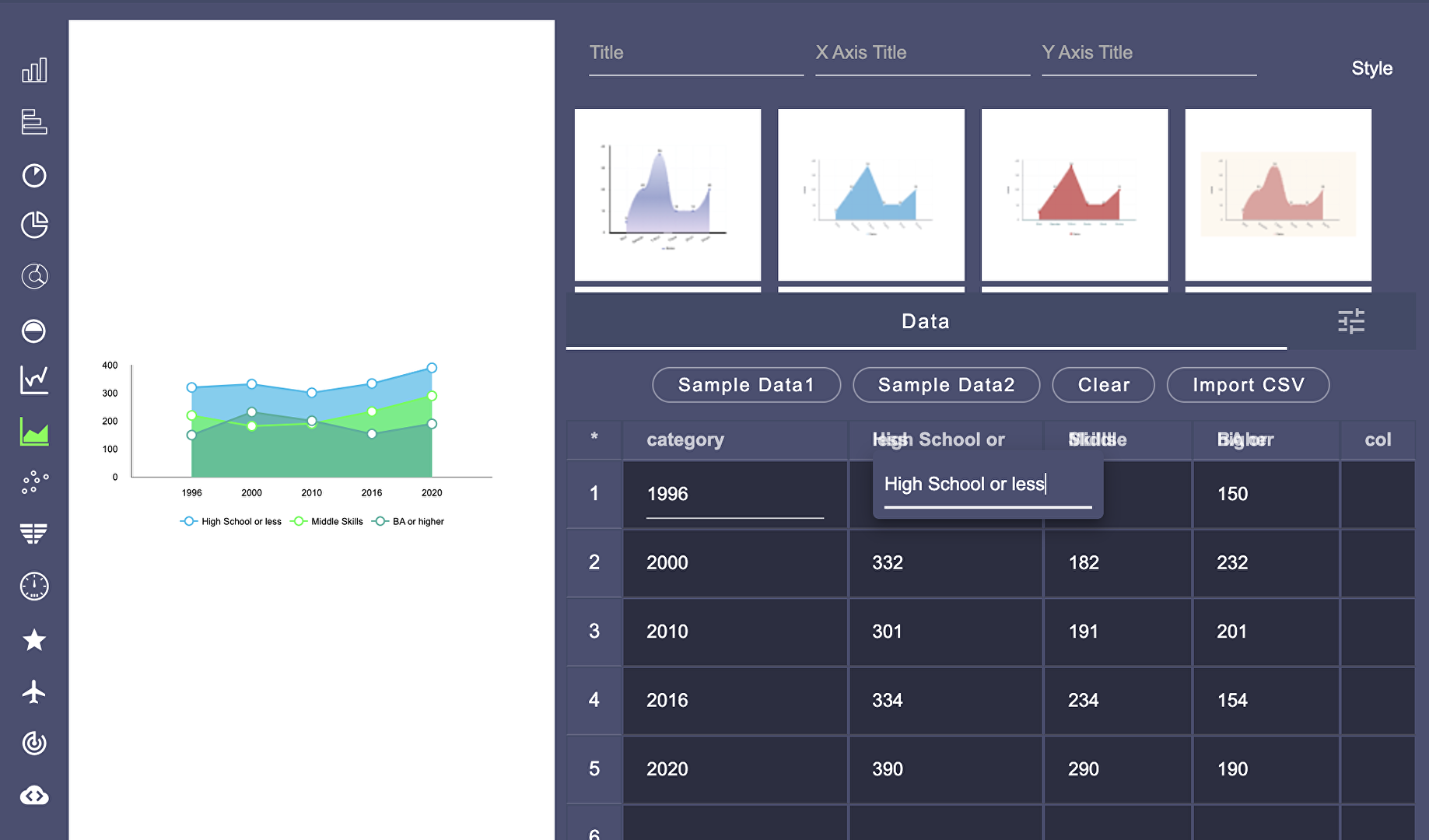
You can use all these online resources for free, removing your risk of committing any copyright infringement. Moreover, the resources are continuously updated to ensure that they always remain valuable and beneficial for you and other users. The resource library contains a wide array of plug-ins as well. These plug-ins enable you to create graphic designs for practical use. You can use plug-ins for building maps, charts, barcodes, or QR codes which you can add to whatever complex graphic designs you’re working on.
Show MoreOverview of Drawtify Features
- Vector Graphics
- Photo/Image Editing
- Typography Functions
- Layout Features
- Filters
- One-Click Animations
- Online Resource Library
- Practical Design Plug-ins
Awards & Quality Certificates


Drawtify Position In Our Categories
Because companies have special business wants, it is only rational they abstain from subscribing to an all-encompassing, ideal software product. Nevertheless, it would be difficult to chance on such an app even among widely used software products. The practical step to do is to shortlist the varied important functions that demand analysis such as crucial features, plans, skill aptitude of staff members, company size, etc. After which, you should do the product research through and through. Go over some of these Drawtify review articles and look into each of the software programs in your list in detail. Such all-encompassing research ensures you drop unfit apps and pay for the system which meets all the function your business requires.
Position of Drawtify in our main categories:
TOP
100
Drawtify is one of the top 100 Graphic Design Software products
If you are interested in Drawtify it might also be a good idea to analyze other subcategories of Graphic Design Software listed in our database of SaaS software reviews.
Each business has its own characteristics, and may need a specific Graphic Design Software solution that will be fit for their business size, type of customers and employees and even individual industry they cater to. We advise you don't count on locating a perfect app that is going to be suitable for every company regardless of their history is. It may be a good idea to read a few Drawtify Graphic Design Software reviews first and even then you should remember what the solution is supposed to do for your business and your employees. Do you need an easy and intuitive service with only elementary features? Will you really make use of the advanced functionalities required by pros and large enterprises? Are there any particular tools that are especially practical for the industry you work in? If you ask yourself these questions it is going to be much easier to find a reliable service that will match your budget.
How Much Does Drawtify Cost?
Drawtify Pricing Plans:
Free Trial
Free
$0
Monthly
$14.99/month
What are Drawtify pricing details?
Drawtify Pricing Plans:
Free Trial
Free
$0
Monthly
$14.99/month
Drawtify offers three enterprise pricing plans for users to choose from. Here are the details of each plan:
Free – $0
- Create up to 5 graphic designs
- 40MB storage space for images
- Export images with standard quality
- Use a watermarking tool
- Publish graphics designs without passwords
- Access over 200 built-in color schemes
Monthly – $14.99/month (or $8.33/month, billed annually)
- Create unlimited graphic designs
- 16GB storage space for images
- Export images with HD quality
- Export animation outputs
- Export designs as PDFs
- Print images directly
- Remove watermarks
- Publish graphics designs with passwords
- Access over 200 built-in color schemes
- Set up folders
User Satisfaction
Positive Social Media Mentions
39
Negative Social Media Mentions
1
We realize that when you make a decision to buy a Graphic Design Software it’s crucial not only to see how professionals evaluate it in their reviews, but also to check whether the real people and enterprises that bought it are actually content with the product. Because of that need we’ve created our behavior-based Customer Satisfaction Algorithm™ that gathers customer reviews, comments and Drawtify reviews across a broad array of social media sites. The data is then featured in a simple to digest way showing how many users had positive and negative experience with Drawtify. With that information at your disposal you will be equipped to make an informed business choice that you won’t regret.
Video
Screenshots


Technical details
Devices Supported
- Windows
- Mac
- Web-based
Deployment
- Cloud Hosted
Language Support
- English
Pricing Model
- Free
- Monthly payment
- Annual Subscription
Customer Types
- Small Business
- Large Enterprises
- Medium Business
- Freelancers
What Support Does This Vendor Offer?
- phone
- live support
- training
- tickets
What integrations are available for Drawtify?
Drawtify supports integrations with the following image repositories:
- Unsplash
- Pixabay

Drawtify
is waiting for
your first review.

Write your own review of this product
ADD A REVIEWMore reviews from 0 actual users:


Join a community of 7,369 SaaS experts
Thank you for the time you take to leave a quick review of this software. Our community and review base is constantly developing because of experts like you, who are willing to share their experience and knowledge with others to help them make more informed buying decisions.
Sign in with LinkedIn
Why we require LinkedIn?
- Show the community that you're an actual user.
- We will only show your name and profile image in your review.
- You can still post your review anonymously.
OR
Sign in with company emailSign in with company email
Popular Drawtify Alternatives


Top Competitors To Drawtify By Price
Product name:
Price:


Trending Graphic Design Software Reviews


Drawtify Comparisons
Product name:




Page last modified



Did you find this review useful?
Yes
No
Thank you for your feedback
How can we make this page better?
Unsure about this software?
FIND ALTERNATIVES
 Why is FinancesOnline free?