

ZWCAD Review



What is ZWCAD?
ZWCAD is a budget-friendly, DWG file format-compatible Computer Aided Design (CAD) software for MCAD and AEC industries. It’s a reliable solution crafted for designers looking for an accessible and affordable drafting application with all the functionality of AutoCAD. The application brings the micro innovations you require to deliver smart and efficient design.
It provides a wide range of compact and lightweight drafting features that make it operate faster and overcome key CAD challenges. Some of its key features include 3D solid modeling, dimensioning, create and edit 2D geometric objects, file sharing, and plotting. In addition, ZWCAD comes with other innovative, customizable, collaborative features including tool pallets, design center, and API customization to boost your efficiency.
Show MoreOverview of ZWCAD Benefits
ZWCAD is a reliable CAD solution that leverages a powerful engine to ensure better code-level API ability and .dwg compatibility. The solution provides unique innovation tools and CAD features that make daily drafting easy and effective. It provides the common classic and ribbon interfaces that enable users to select the work environment they prefer. No training is required to start using this program, ZWCAD comes with commands and alias you have used before.
The solution brings unprecedented innovations to your drafting. The SmartMouse delivers a seamless experience with innovative command execution. It lets you move the mouse on a specific track to activate frequently used commands like move, new, and circle. The feature accords you the freedom to customize the commands to expedite the design process. On the other hand, the SmartSelect feature makes it easy to find entities with appropriate property selection.
ZWCAD comes in a lightweight package that supports fast installation. The package provides the full design functions, and its small size relieves the burden on your local computer’s operating system. In addition, the solution utilizes groundbreaking memory optimization technology. This technology permits ZWCAD to open drawings faster and reduce memory usage. It helps you open big drawings (over 100MB) smoothly and minimizes memory accumulation to deliver a non-stop operation all through.
Its AutoCAD-like features make it very easy to use. The ability to switch between the desktop and mobile devices allows the software to keep up with other 2D CAD solution providers. This, coupled with the CAD Pockets; ZWCAD mobile solution, provides flexible workflows and give you the freedom to work on your desktop while in the office or on your mobile device while on the go.
Show MoreOverview of ZWCAD Features
- User-friendly interface and commands
- Smart voice
- Smart mouse
- 2D drafting
- Dynamic block
- Match property
- Insert OLE object
- File compare
- Tool palettes
- Super hatch
- Reference manager
- Object isolation
- Quick Calculator
- Block attribute manager
- 3D features
- Print with STB/CTB plot style
- APIs
ZWCAD Position In Our Categories
Because businesses have special business-related needs, it is wise that they steer clear of seeking an all-encompassing, ”best” business application. Be that as it may, it is difficult to try to pinpoint such application even among branded software products. The clever thing to do should be to write down the various chief factors which need consideration such as major features, price terms, technical skill levels of the users, organizational size, etc. Then, you must do the product research comprehensively. Have a look at these ZWCAD review articles and scrutinize each of the software systems in your shortlist in detail. Such detailed product research ascertain you avoid ill-fitting software solutions and pay for the one that meets all the aspects your company requires.
Position of ZWCAD in our main categories:
TOP
10
ZWCAD is one of the top 10 Architecture Software products
TOP
10
ZWCAD is one of the 10 CAD Software products
Enterprises have different wants and requirements and no software platform can be perfect in such a condition. It is futile to try to find a perfect off-the-shelf software system that meets all your business needs. The intelligent thing to do would be to customize the system for your special requirements, staff member skill levels, budget, and other aspects. For these reasons, do not hurry and subscribe to well-publicized trendy solutions. Though these may be widely used, they may not be the best fit for your specific requirements. Do your groundwork, look into each short-listed system in detail, read a few ZWCAD CAD Software reviews, speak to the maker for clarifications, and finally settle for the product that presents what you need.
How Much Does ZWCAD Cost?
ZWCAD Pricing Plans:
Free Trial
Quote-based Plan
Contact vendor
What are ZWCAD pricing details?
ZWCAD Pricing Plans:
Free Trial
Quote-based Plan
Contact vendor
Check out ZWSOFT Store to learn more about ZWCAD pricing information or find a local reseller.
User Satisfaction
Positive Social Media Mentions
41
Negative Social Media Mentions
0
We are aware that when you choose to get a CAD Software it’s vital not only to see how experts score it in their reviews, but also to find out whether the actual clients and enterprises that bought this software are actually satisfied with the product. Because of that need we’ve designer our behavior-based Customer Satisfaction Algorithm™ that collects customer reviews, comments and ZWCAD reviews across a broad range of social media sites. The data is then featured in a simple to understand way showing how many customers had positive and negative experience with ZWCAD. With that information available you should be prepared to make an informed buying decision that you won’t regret.
Video
Screenshots
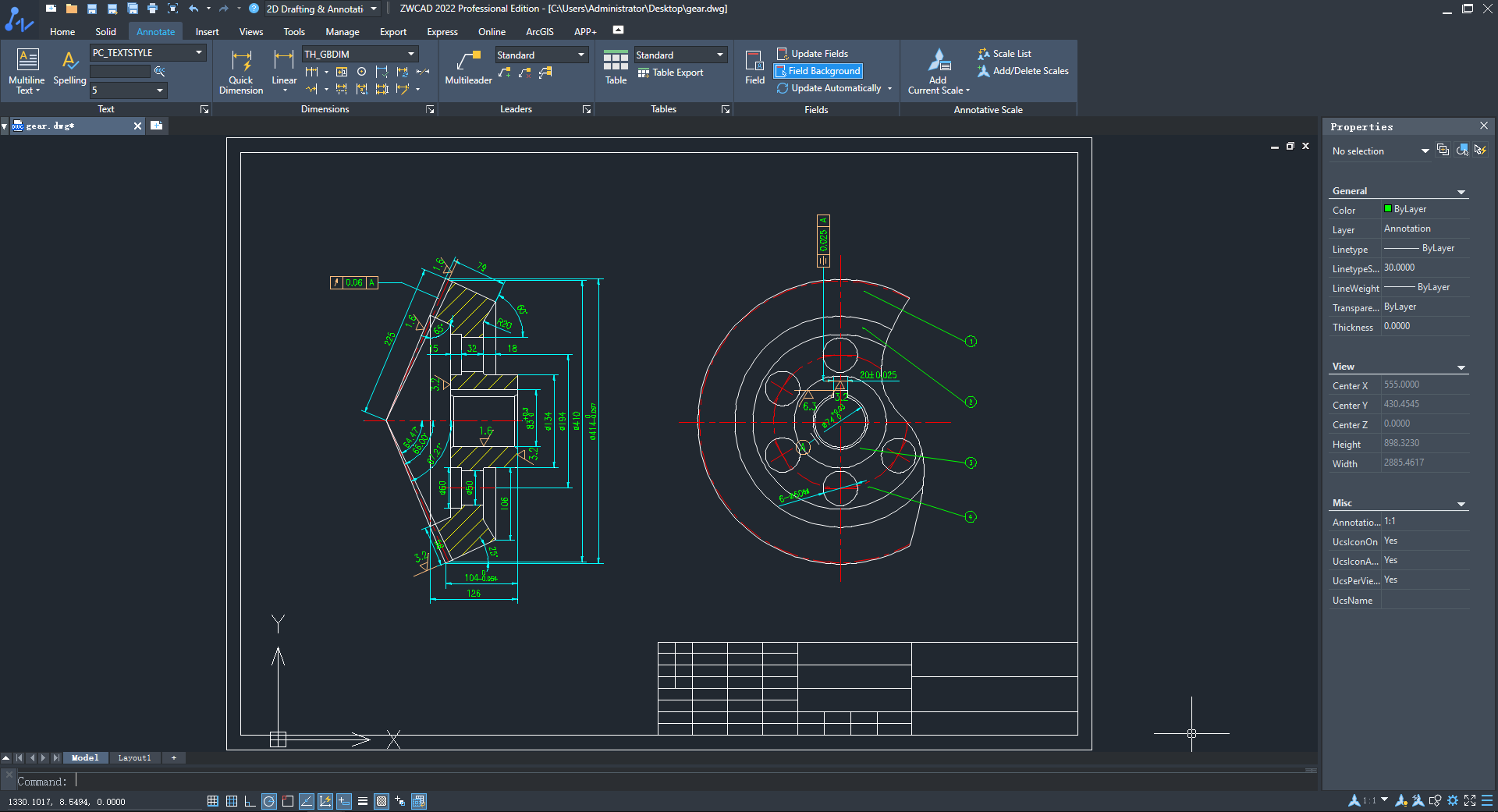
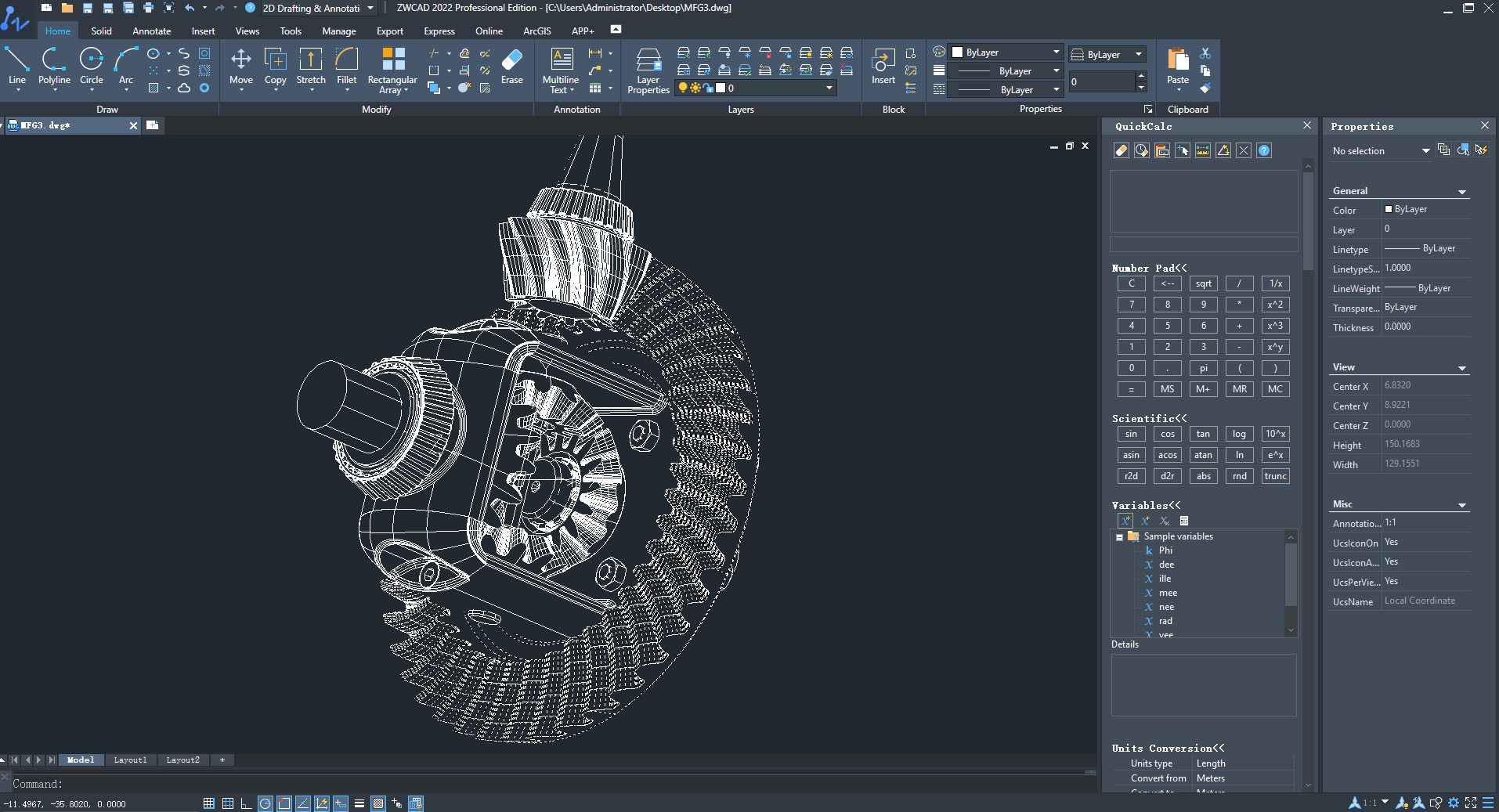
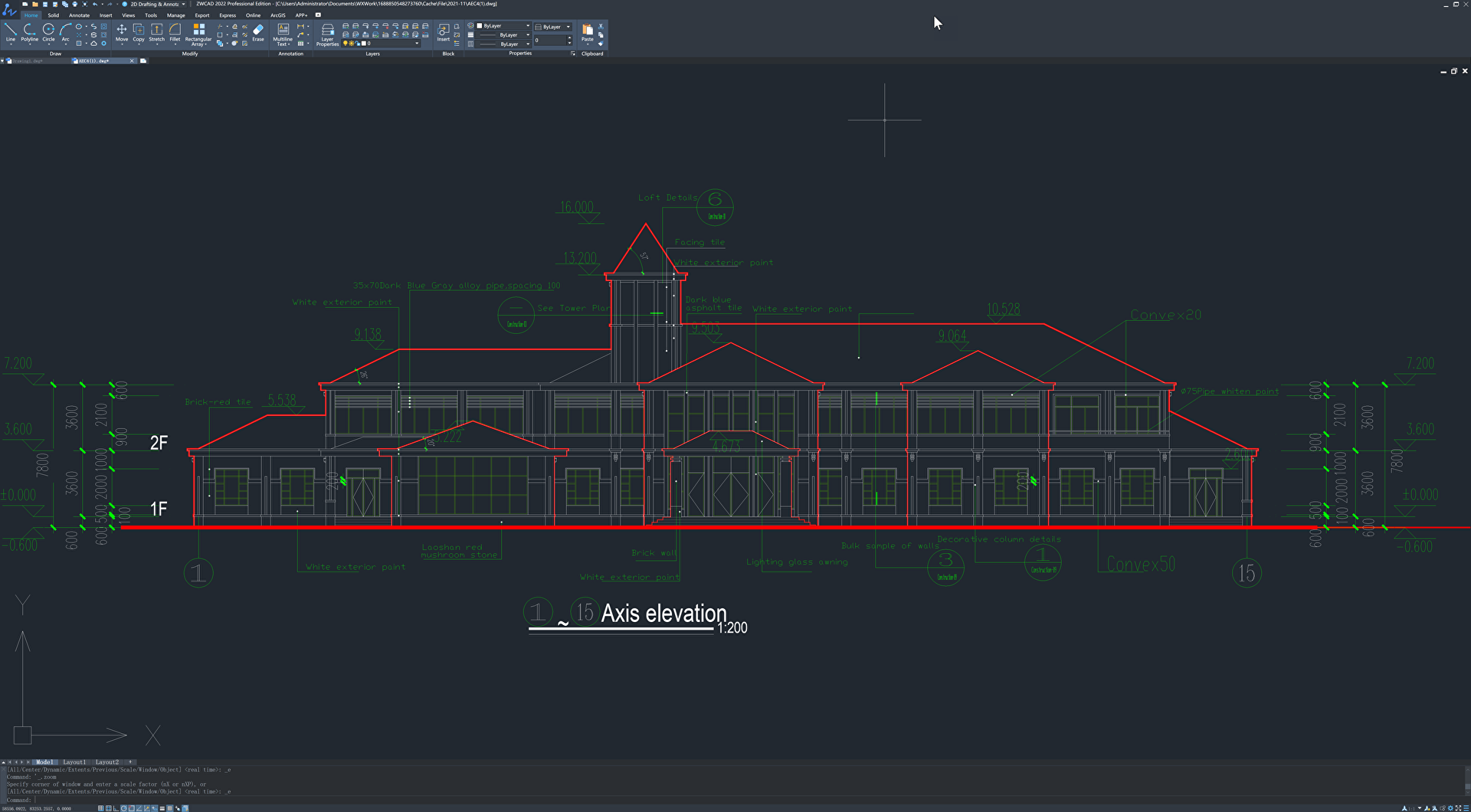
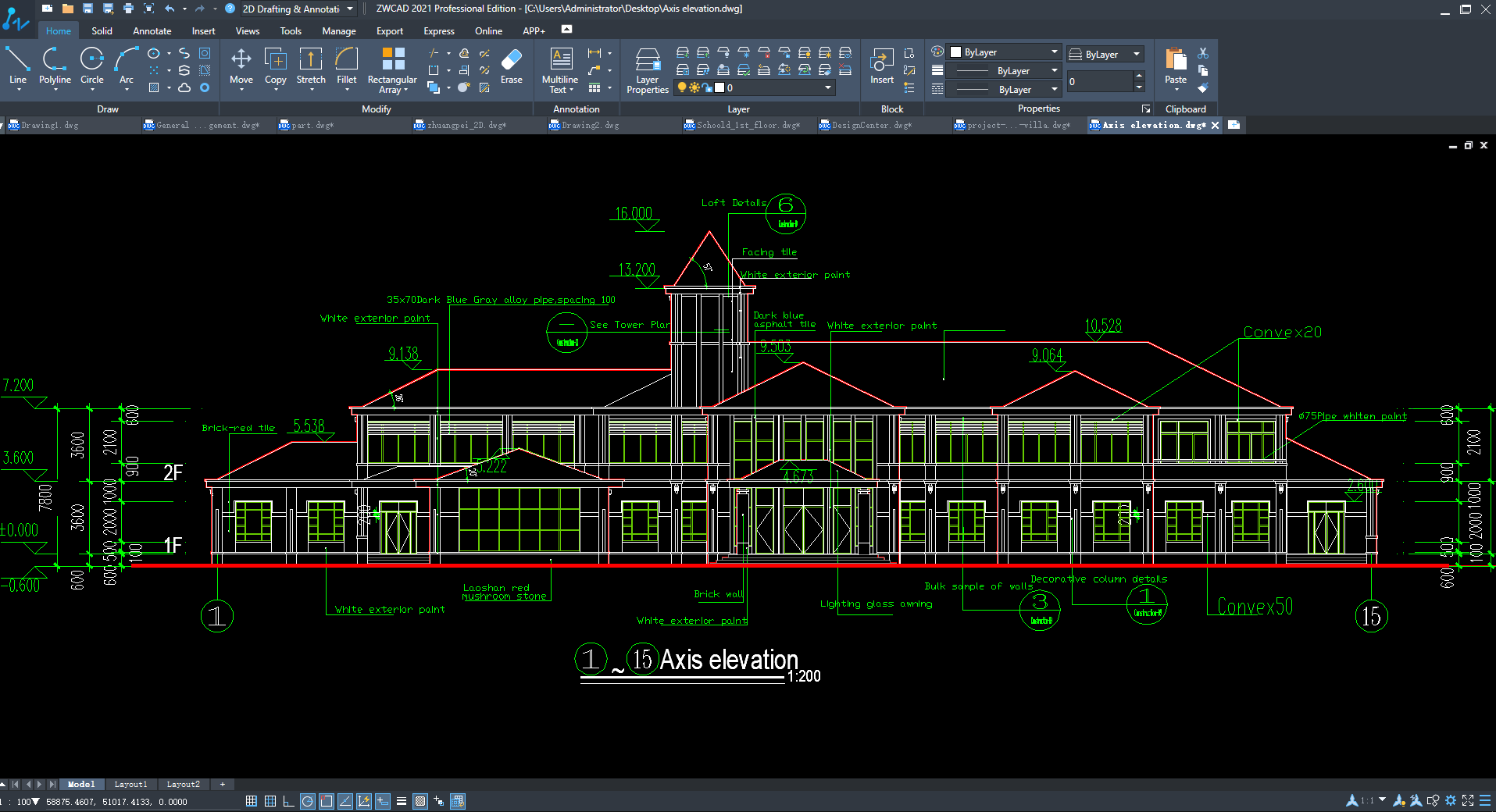
Technical details
Devices Supported
- Windows
Deployment
- On Premise
Language Support
- English
- Chinese
- German
- Japanese
- Spanish
- French
- Russian
- Italian
- Portugese
- Polish
- Turkish
Pricing Model
- Quote-based
Customer Types
- Small Business
- Large Enterprises
- Medium Business
What Support Does This Vendor Offer?
- phone
- live support
- training
- tickets
What integrations are available for ZWCAD?
Autoturn by Transoft, TcpMDT by Aplitop, CADprofi, Spatial Manager, CSIxCAD, and many more.
ZWCAD User Reviews
ZWCAD average rating:
4/5
Overall impression
5/5
Customer Support
3/5
Value for Money
4/5
Ease of Use
Write your own review of this product
ADD A REVIEWThe most favorable review

PROS: The best substitute for other popular CAD platforms. It is convenient and straightforward to use for CAD too.
CONS: ZWCAD isn’t entirely suitable for AutoCAD. Some of the features work differently, as well.
The least favorable review
PROS: ZWCAD+ is wonderful and suitable for small enterprises. It is similar to other CAD tool choices but is better.
CONS: I have noticed some glitches when making drawings. For example, there are moments when lines become doubled or vague.
More reviews from 4 actual users:
Sort by:
Latest
- Latest
- Most useful
- Most positive
- Most negative
Superior platform for CAD
Read full review >
5/5
Overall impression
4/5
Customer Support
4/5
Value for Money
4/5
Ease of Use
Published on: 10.12.2021
Company Size: 11-50 Employees
Industry: Oil & Energy
PROS: The best substitute for other popular CAD platforms. It is convenient and straightforward to use for CAD too.
CONS: ZWCAD isn’t entirely suitable for AutoCAD. Some of the features work differently, as well.
Incredible help for architecture demands
Read full review >
4/5
Overall impression
4/5
Customer Support
3/5
Value for Money
3/5
Ease of Use
Published on: 22.06.2021
Company Size: 1-10 Employees
Industry: Architecture & Planning
PROS: ZWCAD+ is wonderful and suitable for small enterprises. It is similar to other CAD tool choices but is better.
CONS: I have noticed some glitches when making drawings. For example, there are moments when lines become doubled or vague.
Affordable, super advanced CAD
Read full review >
4/5
Overall impression
4/5
Customer Support
3/5
Value for Money
3/5
Ease of Use
Published on: 11.01.2021
Company Size: 11-50 Employees
Industry: Mining & Metals
PROS: I didn’t experience any problem when switching from AutoCAD to ZWCAD+. I also find this more useful because it has more features and tools.
CONS: The rendering capabilities need enhancements. Nonetheless, it works great for almost all of my CAD needs.
Suitable for 2D and 3D
Read full review >
4/5
Overall impression
4/5
Customer Support
4/5
Value for Money
3/5
Ease of Use
Published on: 09.01.2021
Company Size: More than 100 Employees
Industry: N/A
PROS: Great UI because of its classic and straightforward layout. It is not that fabulous but meets the demands of front-end users and makes the platform easy to use for newbies. Such UI also makes the platform less demanding for resources; that’s why it seamlessly run even on low-end machine configuration. Plus, the platform is only around 300MB in size, which is significantly lower than others that consumes a few GB of memory. And these perks translates to a more affordable machine setup.
CONS: The platform only runs on Windows OS. Its 2011 edition also doesn’t support many 3D tools such as Polysolid, and the Presspull command doesn’t work when churning out solid from closed objects, regions, or faces. The Extract Edges also doesn’t work. That could have helped generate a solid 3D profile. Moreover, realistic photo production and lighting effects look insufficient in some projects.


Join a community of 7,369 SaaS experts
Thank you for the time you take to leave a quick review of this software. Our community and review base is constantly developing because of experts like you, who are willing to share their experience and knowledge with others to help them make more informed buying decisions.
Sign in with LinkedIn
Why we require LinkedIn?
- Show the community that you're an actual user.
- We will only show your name and profile image in your review.
- You can still post your review anonymously.
OR
Sign in with company emailSign in with company email
Popular ZWCAD Alternatives





Top Competitors To ZWCAD By Price
Product name:
Price:

By quote


By quote


Trending CAD Software Reviews





ZWCAD Comparisons
Product name:







ZWCAD user reviews
Superior platform for CAD
Read full review >
5/5
Overall impression
4/5
Customer Support
4/5
Value for Money
4/5
Ease of Use
Published on: 10.12.2021
Company Size: 11-50 Employees
Industry: Oil & Energy
Incredible help for architecture demands
Read full review >
4/5
Overall impression
4/5
Customer Support
3/5
Value for Money
3/5
Ease of Use
Published on: 22.06.2021
Company Size: 1-10 Employees
Industry: Architecture & Planning
Affordable, super advanced CAD
Read full review >
4/5
Overall impression
4/5
Customer Support
3/5
Value for Money
3/5
Ease of Use
Published on: 11.01.2021
Company Size: 11-50 Employees
Industry: Mining & Metals
Suitable for 2D and 3D
Read full review >
4/5
Overall impression
4/5
Customer Support
4/5
Value for Money
3/5
Ease of Use
Published on: 09.01.2021
Company Size: More than 100 Employees
Industry: N/A

Page last modified



Did you find this review useful?
Yes
No
Thank you for your feedback
How can we make this page better?
Unsure about this software?
FIND ALTERNATIVES
 Why is FinancesOnline free?