

Keeper Review



What is Keeper?
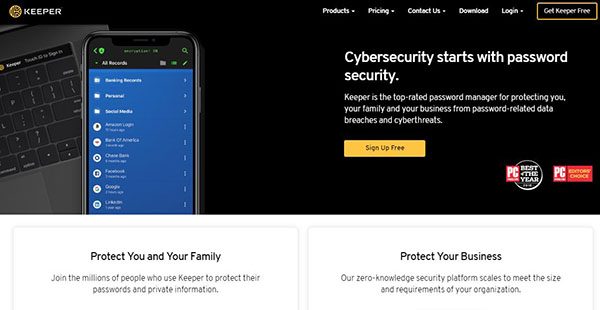
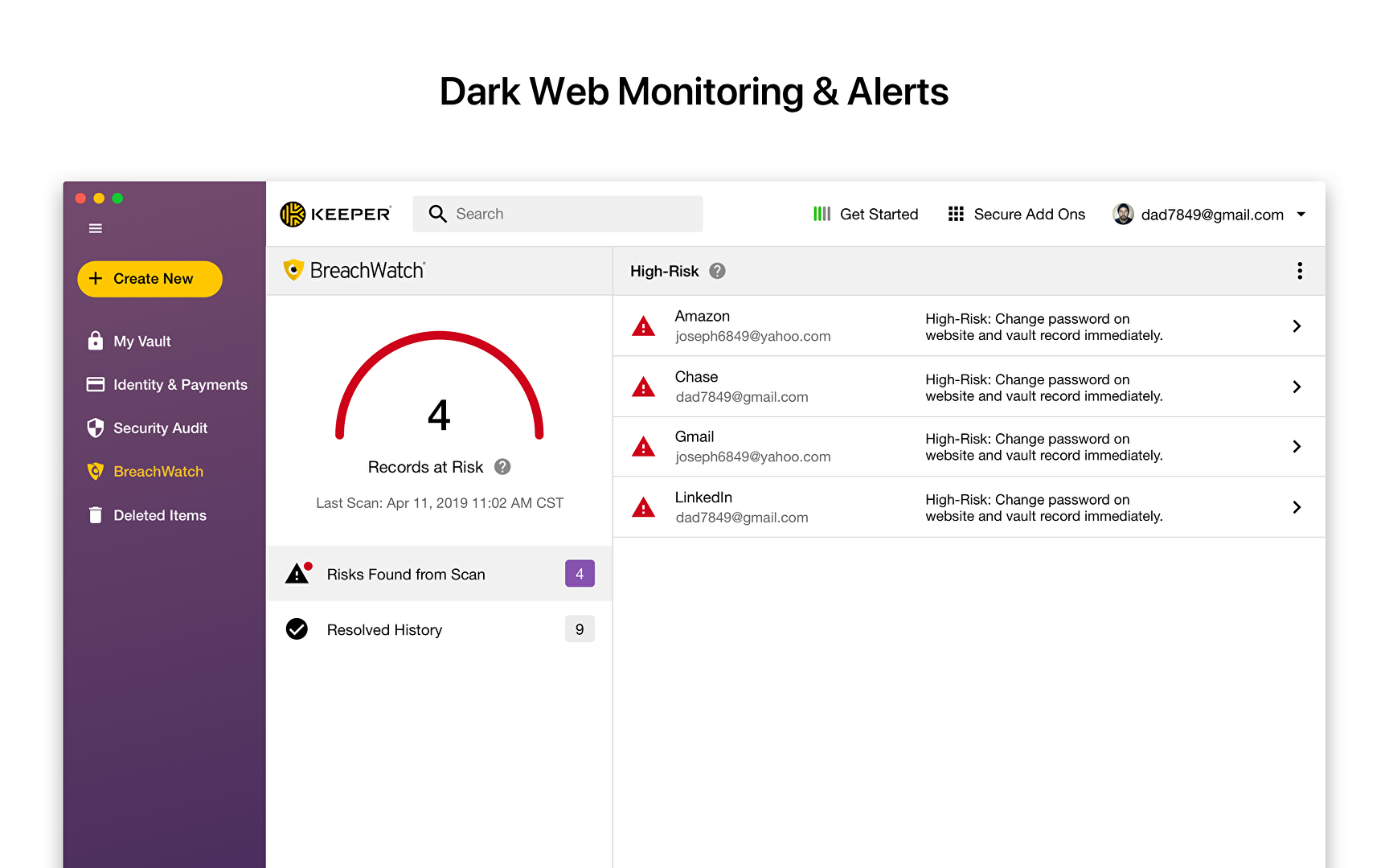
Keeper is a security system that provides password management and digital vault for individuals and business groups to protect their sensitive data from unauthorized access and breaches. This password manager is capable of producing highly secure passwords and allows the office managers to implement password policies and check the compliance of the policies through specially designed consoles.
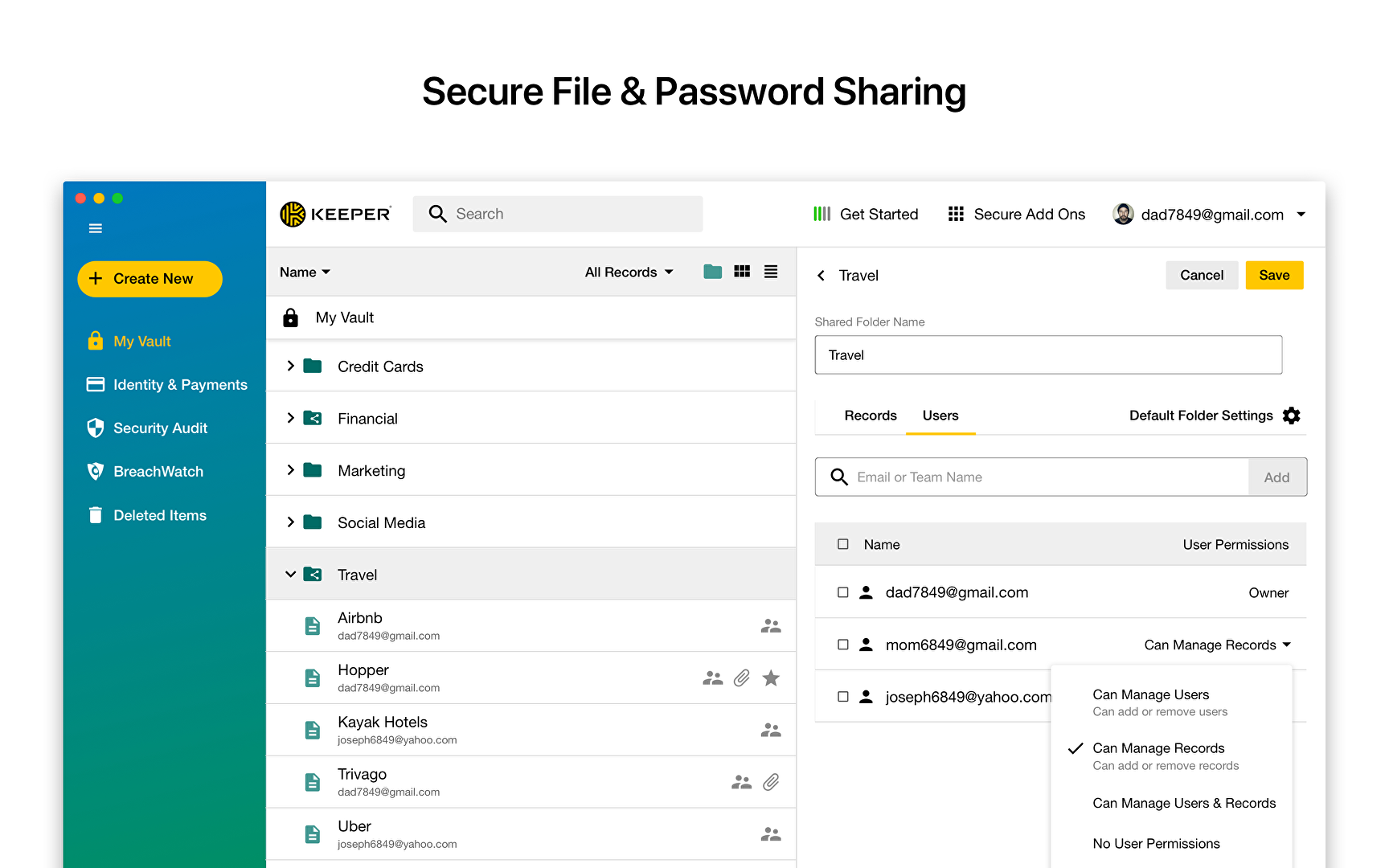
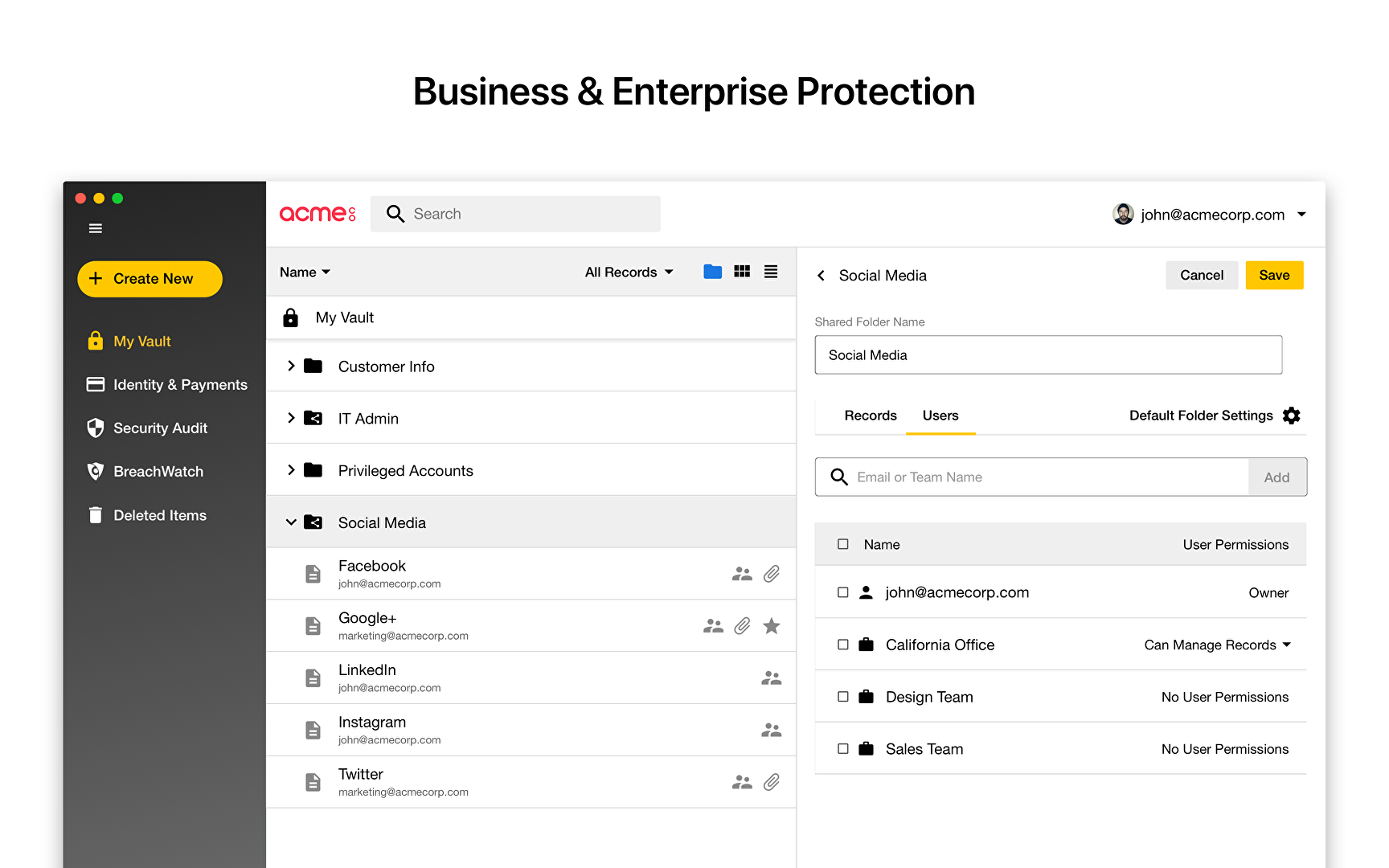
The software uses a powerful 256-bit AES encryption combined with the PBKDF2 to mitigate any chances of data theft or security breaches. Managers can also manage the access to the sensitive data by providing employees with job-based permissions. They can also schedule the password rotation regimes with Keeper.
Show MoreOverview of Keeper Benefits
Keeper is compatible with a variety of devices including desktops, laptops, and smartphones and also all the web browsers. As the license includes unlimited devices, one can simply install the software on all the devices for his use.
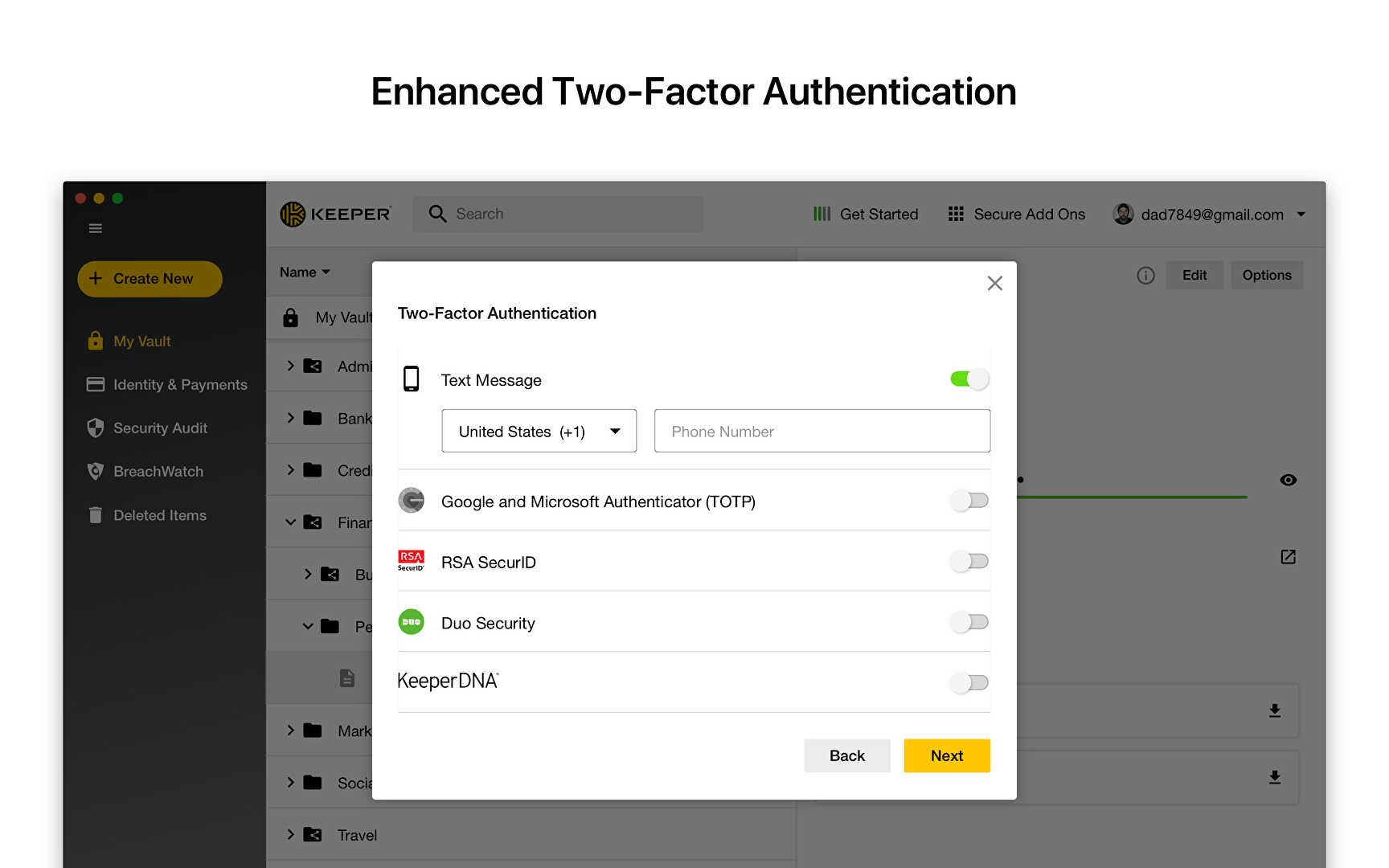
To enhance the data security, the user data is secured and encrypted at the device level and not in software’s servers or in the cloud. This makes the software a ‘zero memory system’ in which no other person or machine knows the personal details of a person other than him or his personal devices. Moreover, the login identification methods include Keeper DNA system. This system uses other smart devices such as smart watches and smartphones, and other personal smart devices for identity verification. In addition to the Keeper DNA, the software supports two-way verification and fingerprint verification for login purpose.
Keeper brings together privacy, security, and access control in one place; making it easy for the manager to keep the sensitive data of the company safe. Apart from the security, the added management features such as delegated administration and user provisioning assist managers in making office work more efficient and productive. Moreover, the dedicated cloud space prevents any chances of data loss and the easy file sharing system enables the employees to share the information quickly across the board.
Show MoreOverview of Keeper Features
- Random Password Generation
- Password Management
- Centralized Administration
- Security Ratings
- Passwords’ audits
- Active Directory Integration
- Folder Sharing
- Cross-platform Compatibility
- BYOD Integration
- Live Support
- Password Policy Generation
- User Provisioning
- Delegated Management
- Cloud-based Solution
Keeper Position In Our Categories
Keeping in mind companies have distinctive business wants, it is practical that they avoid going for an all-encompassing, “perfect” software solution. Needless to say, it would be difficult to try to find such an app even among widely used software solutions. The practicable step to undertake can be to write the various main factors which necessitate research such as important features, budget, skill levels of the users, organizational size, etc. Then, you must perform the research through and through. Go over some of these Keeper evaluations and look over the other software solutions in your shortlist more closely. Such detailed research ascertain you drop ill-fitting apps and pay for the one that meets all the tools your business requires.
Position of Keeper in our main categories:
TOP
50
Keeper is one of the top 50 IT Management Software products
Organizations have unique wants and requirements and no software solution can be just right in such a scenario. It is useless to try to find a perfect off-the-shelf software product that fulfills all your business wants. The smart thing to do would be to adapt the solution for your unique needs, employee skill levels, finances, and other factors. For these reasons, do not hurry and pay for well-publicized trendy solutions. Though these may be widely used, they may not be the best fit for your particular requirements. Do your homework, investigate each short-listed application in detail, read a few Keeper IT Security Software reviews, call the seller for clarifications, and finally select the application that offers what you want.
How Much Does Keeper Cost?
Keeper Pricing Plans:
Free Trial
Business
$45/user/year
Enterprise
$60/user/year
What are Keeper pricing details?
Keeper Pricing Plans:
Free Trial
Business
$45/user/year
Enterprise
$60/user/year
Keeper Security offers two different pricing packages:
Keeper Business – $45/user/year
- Admin console
- Encrypted vault for every user
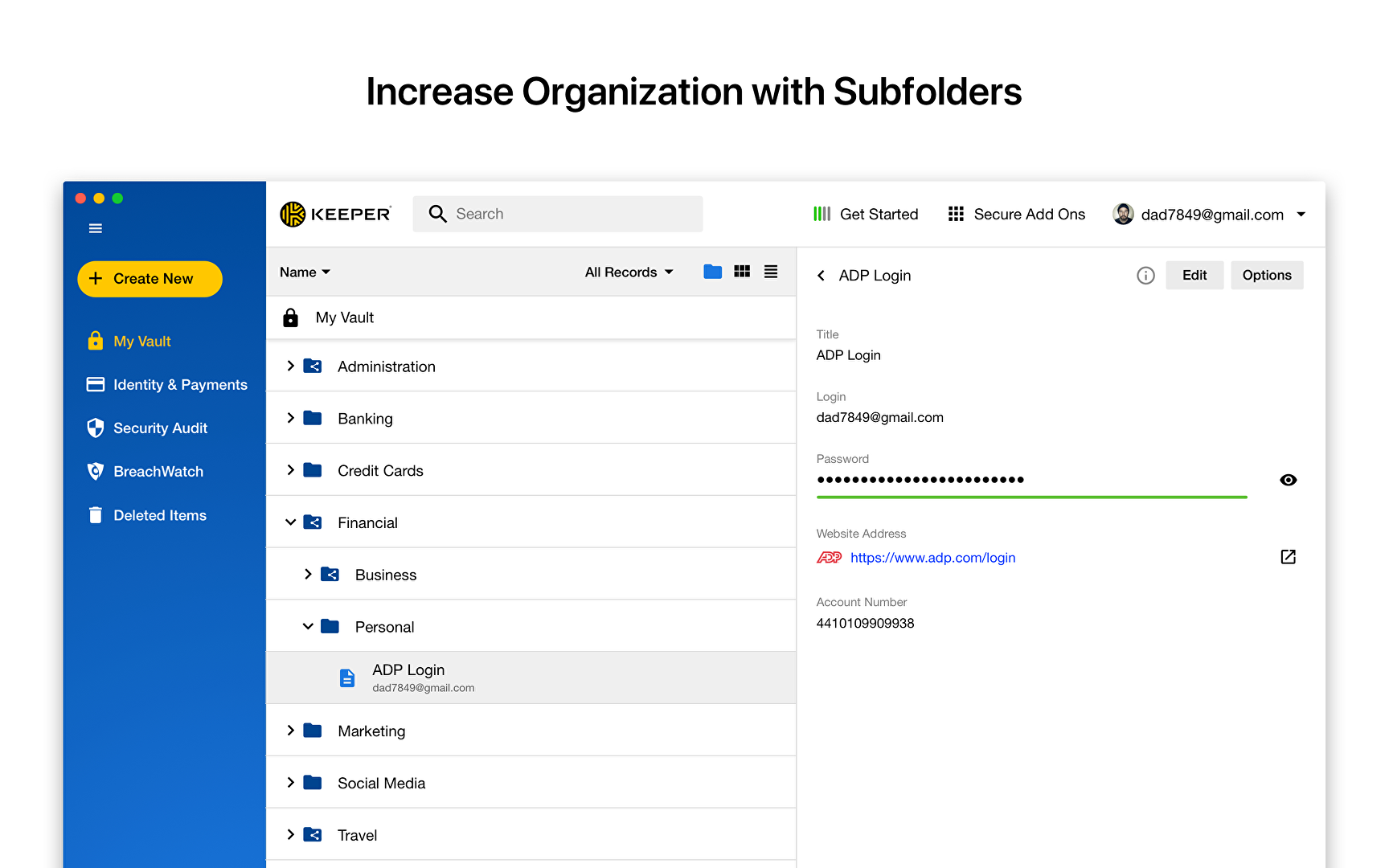
- Folders and subfolders
- Shared team folders
- Access from unlimited devices
- Policy engine and enforcements
- Security Audit
- Activity reporting
- Team management
- Basic Two-Factor Authentication (SMS, TOTP, smartwatch and FIDO U2F)
Keeper Enterprise – $60/user/year
- Everything in Keeper Business, plus:
- Single Sign-On (SAML 2.0) authentication
- Automated Team Management
- Advanced Two-Factor Authentication (DUO & RSA)
- Active Directory and LDAP sync
- SCIM and Azure AD provisioning
- Email auto-provisioning
- Command line provisioning
- Developer APIs for password rotation and backend integration
User Satisfaction
Positive Social Media Mentions
211
Negative Social Media Mentions
8
We know that when you decide to purchase a IT Security Software it’s vital not only to learn how experts score it in their reviews, but also to check whether the actual users and businesses that purchased these solutions are genuinely content with the product. That’s why we’ve designer our behavior-based Customer Satisfaction Algorithm™ that collects customer reviews, comments and Keeper reviews across a vast range of social media sites. The information is then displayed in a simple to digest format revealing how many people had positive and negative experience with Keeper. With that information at hand you should be ready to make an informed purchasing choice that you won’t regret.
Video
Screenshots
Technical details
Devices Supported
- Windows
- Linux
- Android
- iPhone/iPad
- Mac
- Web-based
Deployment
- Cloud Hosted
Language Support
- English
- Chinese
- German
- Hindi
- Japanese
- Spanish
- French
- Russian
- Italian
- Dutch
- Portugese
- Polish
- Turkish
- Swedish
Pricing Model
- Annual Subscription
Customer Types
- Small Business
- Large Enterprises
- Medium Business
What Support Does This Vendor Offer?
- phone
- live support
- training
- tickets
What integrations are available for Keeper?
Duo Security, Google Authenticator, Authy, Sumo Logic, RSA SecurID Suite, Ping Identity Platform, OneLogin, JumpCloud, LogRhythm NextGen SIEM Platform, IBM QRadar, Microsoft Authenticator, Amazon S3, Okta, Azure Log Analytics, Splunk, Active Directory, Centrify, Office365.
Keeper User Reviews
Keeper average rating:
5/5
Overall impression
5/5
Customer Support
5/5
Value for Money
5/5
Ease of Use
Write your own review of this product
ADD A REVIEWThe most favorable review

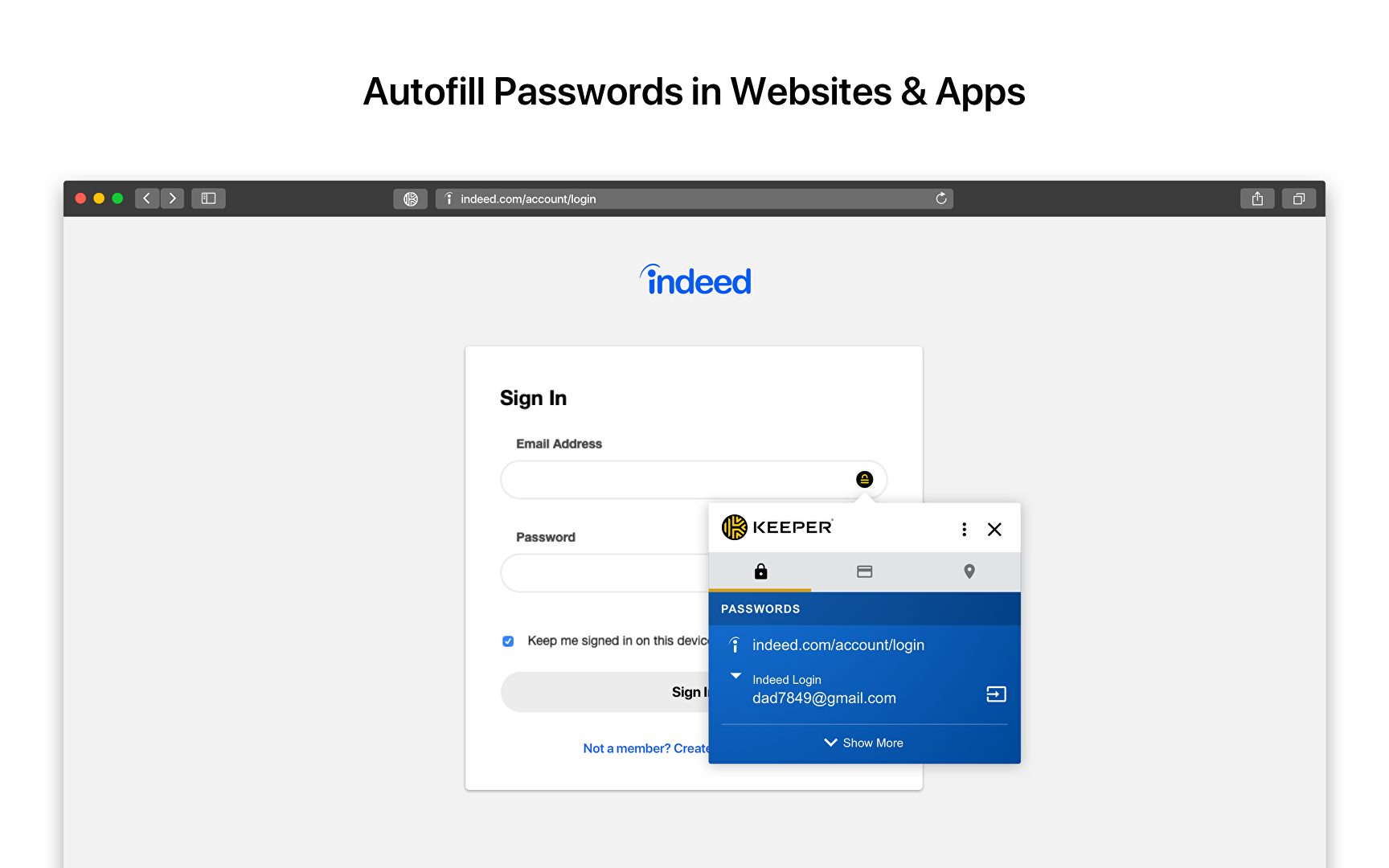
PROS: Keeper has played a big role in the business that I do. I depend on the security this software provides for a number of sites I'm using for research purposes, setting up contracts, and business writing uploads. All I do is remember a single password (my own Keeper password) and Keeper automatically builds and monitors the rest of the passwords. It works by creating intricate passwords and keeps in mind the e-mail address I'm using for every site. Syncing is seamless between my smart devices, laptop, and desktop PC.
CONS: It took a bit longer to find out that I can actually switch settings within Keeper on my tablet and smartphone so it can remain open after logging in for several minutes. Since unearthing this option, Keeper suddenly became an essential app to have for both my iPad and iPhone.
The least favorable review
PROS: It's so simple to utilize when building usernames and complex passwords (thanks to its password generator). Having the ability to migrate all passwords to this from another password manager is simply amazing. Furthermore, its encryption is state-of-the-art in accessing all passwords for different passwords is an added benefit. Uploading and storing docs them within Keeper is unique functionality, especially if you're the security conscious kind. Since using Keeper, I didn't hesitate to renew the plan --- I'm too happy to put this down over its competitors!
CONS: Nothing to hate at all! I love everything that Keeper is offering!
More reviews from 6 actual users:
Sort by:
Latest
- Latest
- Most useful
- Most positive
- Most negative
Creating complex passwords are a thing in the past!
Read full review >
5/5
Overall impression
5/5
Customer Support
5/5
Value for Money
5/5
Ease of Use
Published on: 21.08.2021
Company Size: More than 100 Employees
Industry: Unavailable
PROS: Using it is really easy. Accessibility is straight up simple when you want look into something quickly. I have 200+ current listings and I'm able to expand the database weekly since I found another medium that secures them. I can now type in complex passwords for my financia profile since Keeper builds all of them for me. I can go for the password length of my choosing by pressing the magic dice. I love having all my insurance info, e-mail passwords, and even my Apple ID details that I frequently forget.
CONS: Nothing much, to be honest. I could make up something. Here we go. I was hoping there are other background colors to choose from. Beyond that, there's really nothing else I could think of.
An awesome product!
Read full review >
5/5
Overall impression
5/5
Customer Support
5/5
Value for Money
5/5
Ease of Use
Published on: 04.07.2021
Company Size: 11-50 Employees
Industry: Computer Software
PROS: I like having the ability for all users to utilize a 2-factor authentication. We made it clear to allow the sharing of doc passwords, which ensures security for documents. It also makes the docs a lot simpler to manage. Keeper allows users to include fields so we can teach employees in using random answers to questions asked by site. Those answers can then be utilized in housing answers in custom fields. Thanks to Keeper, I currently have 140+ strong passwords stored.
CONS: It's all good (so far) with the product. There's really nothing to hate with that and the company. They've done things really well.
Simply outstanding!
Read full review >
5/5
Overall impression
5/5
Customer Support
5/5
Value for Money
5/5
Ease of Use
Published on: 18.02.2021
Company Size: More than 100 Employees
Industry: Military
PROS: I've used this app for several years now. I began with its free version then later opted for the yearly subsription. I had to go for this since I'm starting to accumulate accounts online. Its upgrades never failed to impress me. It virtually has zero glitches and integration was seamless. I've recommended this great app to everyone and I suggest you this as well!
CONS: I absolutely have nothing bad to say with this product. As a matter of fact, I'm seriously thinking about upgrading to a Family Plan really soon.
A critical component for my business.
Read full review >
5/5
Overall impression
5/5
Customer Support
5/5
Value for Money
5/5
Ease of Use
Published on: 08.02.2021
Company Size: More than 100 Employees
Industry: Religious Institutions
PROS: Keeper has played a big role in the business that I do. I depend on the security this software provides for a number of sites I'm using for research purposes, setting up contracts, and business writing uploads. All I do is remember a single password (my own Keeper password) and Keeper automatically builds and monitors the rest of the passwords. It works by creating intricate passwords and keeps in mind the e-mail address I'm using for every site. Syncing is seamless between my smart devices, laptop, and desktop PC.
CONS: It took a bit longer to find out that I can actually switch settings within Keeper on my tablet and smartphone so it can remain open after logging in for several minutes. Since unearthing this option, Keeper suddenly became an essential app to have for both my iPad and iPhone.
It is what it says: a keeper!
Read full review >
4/5
Overall impression
5/5
Customer Support
5/5
Value for Money
5/5
Ease of Use
Published on: 27.01.2018
Company Size: More than 100 Employees
Industry: Insurance
PROS: It's so simple to utilize when building usernames and complex passwords (thanks to its password generator). Having the ability to migrate all passwords to this from another password manager is simply amazing. Furthermore, its encryption is state-of-the-art in accessing all passwords for different passwords is an added benefit. Uploading and storing docs them within Keeper is unique functionality, especially if you're the security conscious kind. Since using Keeper, I didn't hesitate to renew the plan --- I'm too happy to put this down over its competitors!
CONS: Nothing to hate at all! I love everything that Keeper is offering!
Great software
Read full review >
5/5
Overall impression
5/5
Customer Support
5/5
Value for Money
5/5
Ease of Use
Published on: 05.01.2018
Company Size: 11-50 Employees
Industry: Insurance
PROS: We're extremely in love with this product. We finally have access to our logins on our smart device, home, and office computers. Makes changes in one place and it basically changes everyting in all places. We can save links and have them linked directly to the page of our choosing and key in logins with a click of a button. We're able to check up on each password security we've saved and input important notes within the system.
CONS: There's nothing to really hate with it. Its system and everything it offers is convenient to use.


Join a community of 7,369 SaaS experts
Thank you for the time you take to leave a quick review of this software. Our community and review base is constantly developing because of experts like you, who are willing to share their experience and knowledge with others to help them make more informed buying decisions.
Sign in with LinkedIn
Why we require LinkedIn?
- Show the community that you're an actual user.
- We will only show your name and profile image in your review.
- You can still post your review anonymously.
OR
Sign in with company emailSign in with company email
Popular Keeper Alternatives





Top Competitors To Keeper By Price
Product name:
Price:




Trending IT Security Software Reviews


Keeper Comparisons
Product name:




Keeper user reviews
Creating complex passwords are a thing in the past!
Read full review >
5/5
Overall impression
5/5
Customer Support
5/5
Value for Money
5/5
Ease of Use
Published on: 21.08.2021
Company Size: More than 100 Employees
Industry: Unavailable
An awesome product!
Read full review >
5/5
Overall impression
5/5
Customer Support
5/5
Value for Money
5/5
Ease of Use
Published on: 04.07.2021
Company Size: 11-50 Employees
Industry: Computer Software
Simply outstanding!
Read full review >
5/5
Overall impression
5/5
Customer Support
5/5
Value for Money
5/5
Ease of Use
Published on: 18.02.2021
Company Size: More than 100 Employees
Industry: Military
A critical component for my business.
Read full review >
5/5
Overall impression
5/5
Customer Support
5/5
Value for Money
5/5
Ease of Use
Published on: 08.02.2021
Company Size: More than 100 Employees
Industry: Religious Institutions
It is what it says: a keeper!
Read full review >
4/5
Overall impression
5/5
Customer Support
5/5
Value for Money
5/5
Ease of Use
Published on: 27.01.2018
Company Size: More than 100 Employees
Industry: Insurance

Page last modified



Did you find this review useful?
Yes
No
Thank you for your feedback
How can we make this page better?
Unsure about this software?
FIND ALTERNATIVES
 Why is FinancesOnline free?