

Flow Review



What is Flow?
Flow is a versatile web conferencing software designed to streamline communication and collaboration for teams of all sizes. Whether you’re a remote team, a distributed workforce, or simply looking to enhance your virtual meetings, Flow offers a comprehensive suite of tools to meet your needs.
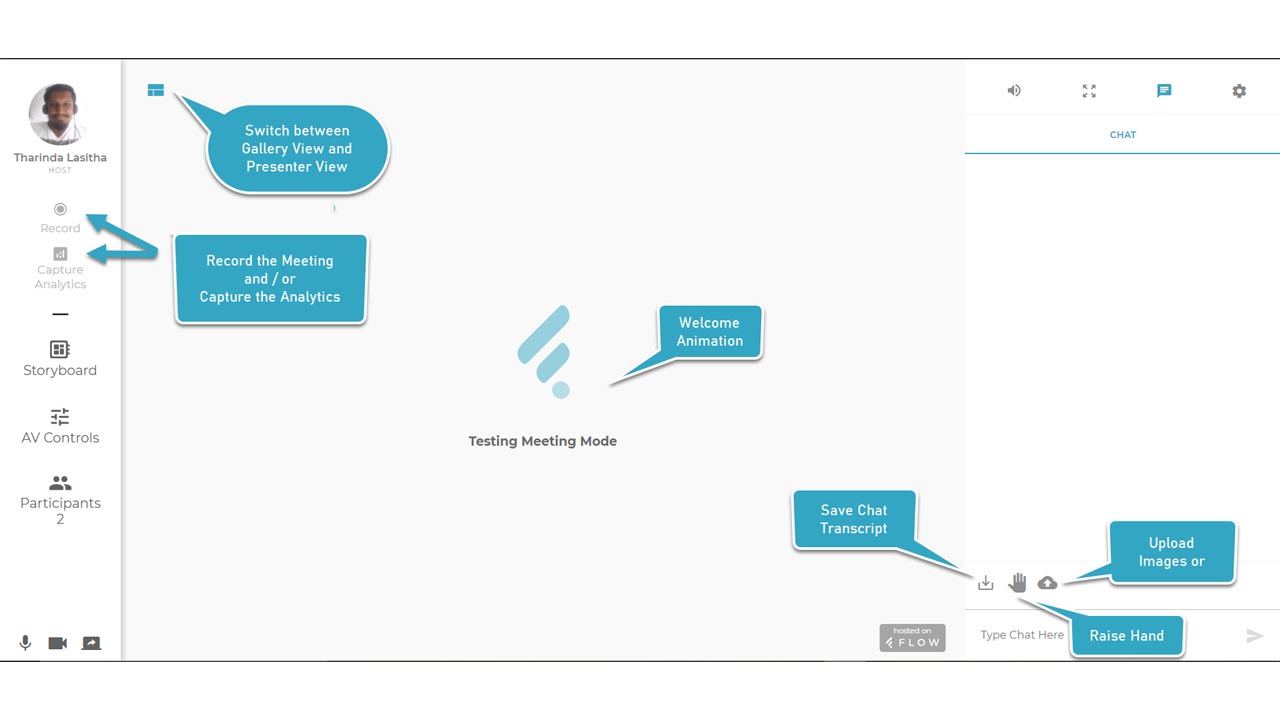
At the heart of Flow is its user-friendly interface and seamless integration with popular productivity tools. With just a few clicks, you can host and join meetings, share screens, and collaborate on documents in real time. Key features include high-quality video and audio, robust screen-sharing capabilities, interactive whiteboards, and secure messaging.
Flow goes beyond traditional video conferencing by addressing common pain points in virtual collaboration. It eliminates the hassle of setting up complex meetings and ensures a smooth and efficient experience for all participants. By providing a centralized platform for communication, collaboration, and file sharing, Flow empowers teams to work together more effectively, regardless of their physical location.
Show MoreOverview of Flow Benefits
Smart Storyboard for Enhanced Event Management
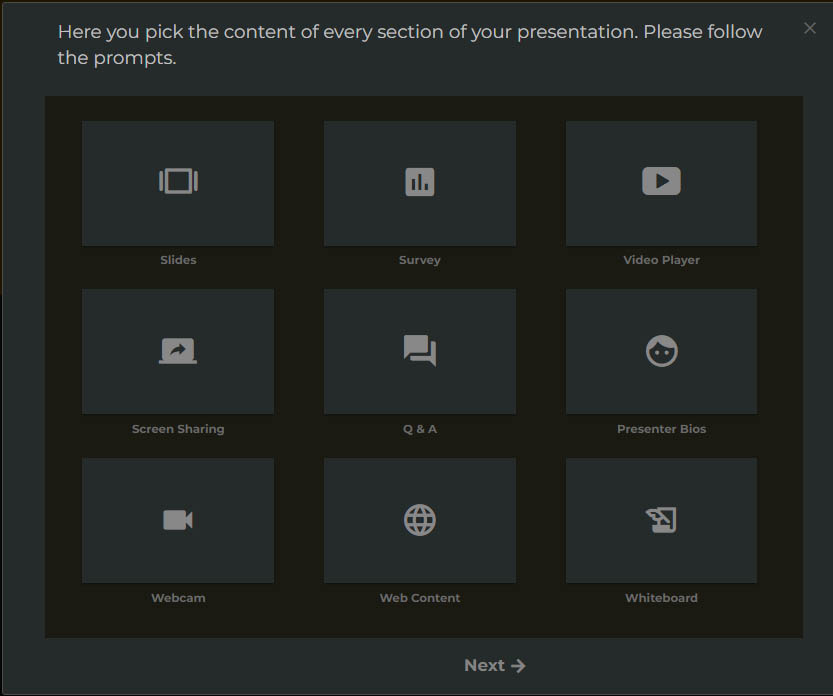
Flow’s Smart Storyboard feature allows users to choreograph webinars efficiently. This tool simplifies the process of creating, assigning, and automating event components with just a few clicks. By streamlining the setup, users can save significant time and reduce the complexity involved in managing virtual events, ensuring a smoother experience for both hosts and attendees.
HTML5/WebRTC Compatibility
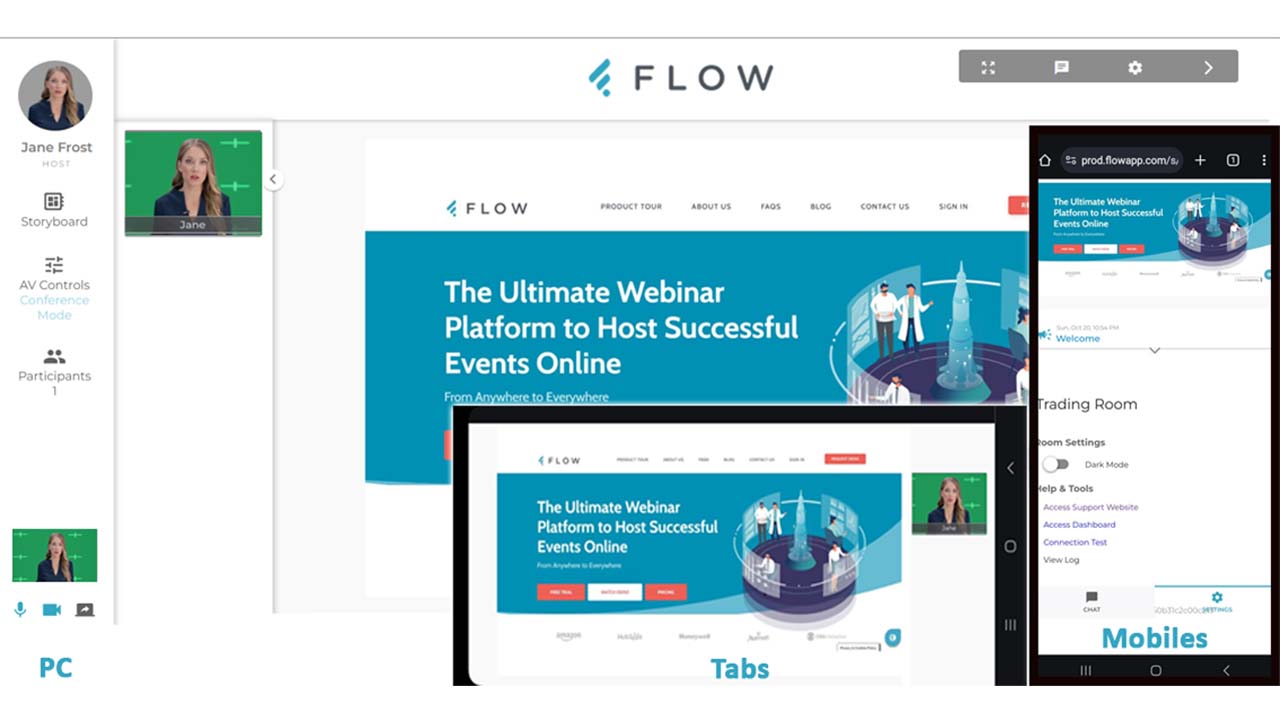
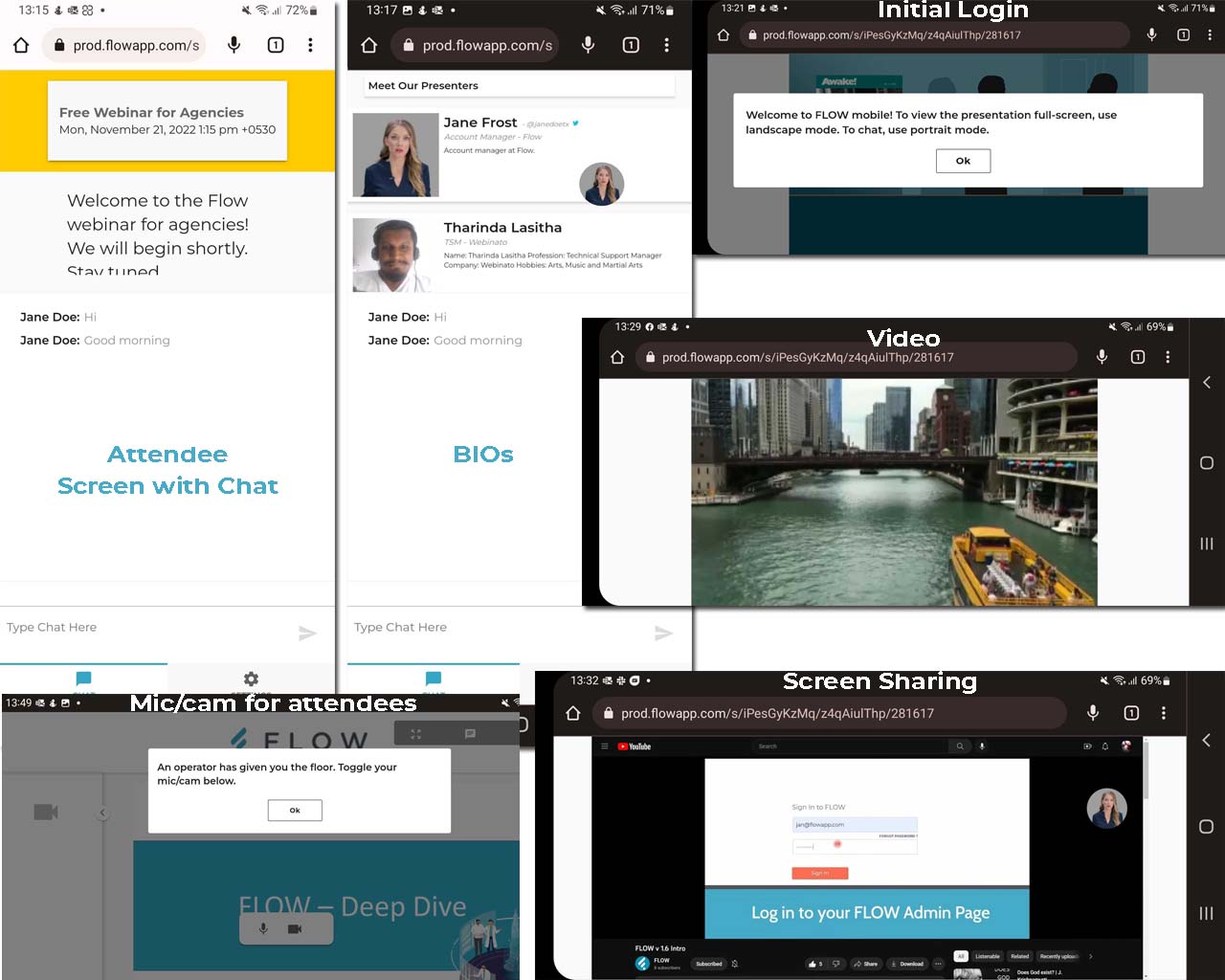
Flow is built on HTML5/WebRTC technology, which means it operates entirely within web browsers without requiring any downloads. This accessibility eliminates barriers for participants, allowing them to join meetings seamlessly from any device. The result is increased participation rates and reduced technical issues related to software installation
Automated Webinar Features
With AutoFlow, Flow enables users to automate webinars and replay sessions effortlessly. This feature not only saves time but also allows for the efficient reuse of content, making it easier for organizations to reach audiences with minimal effort. Users can focus on content creation rather than logistics, enhancing overall productivity.
Customizable User Experience
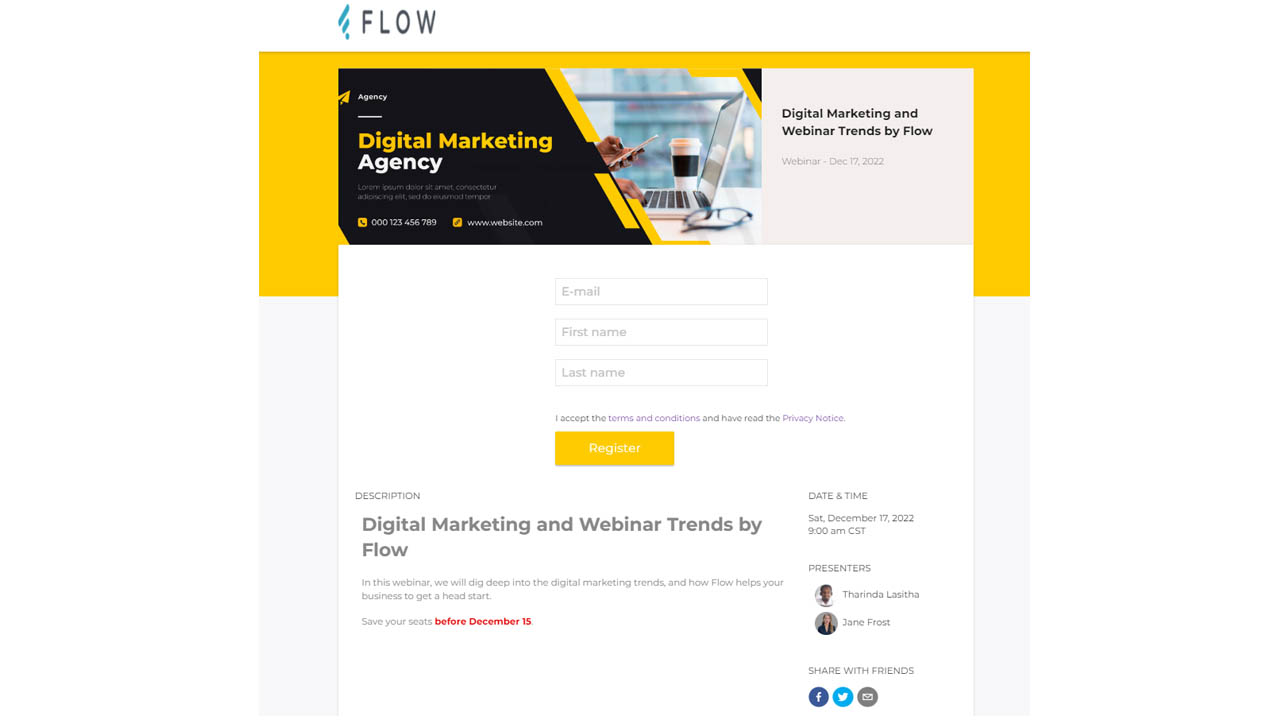
The platform allows extensive customization options for branding events. Users can modify lobby text, colors, and even incorporate music from an MP3 library. This level of personalization helps organizations create a unique identity for their events, enhancing brand recognition and attendee satisfaction.
Comprehensive Analytics and Reporting
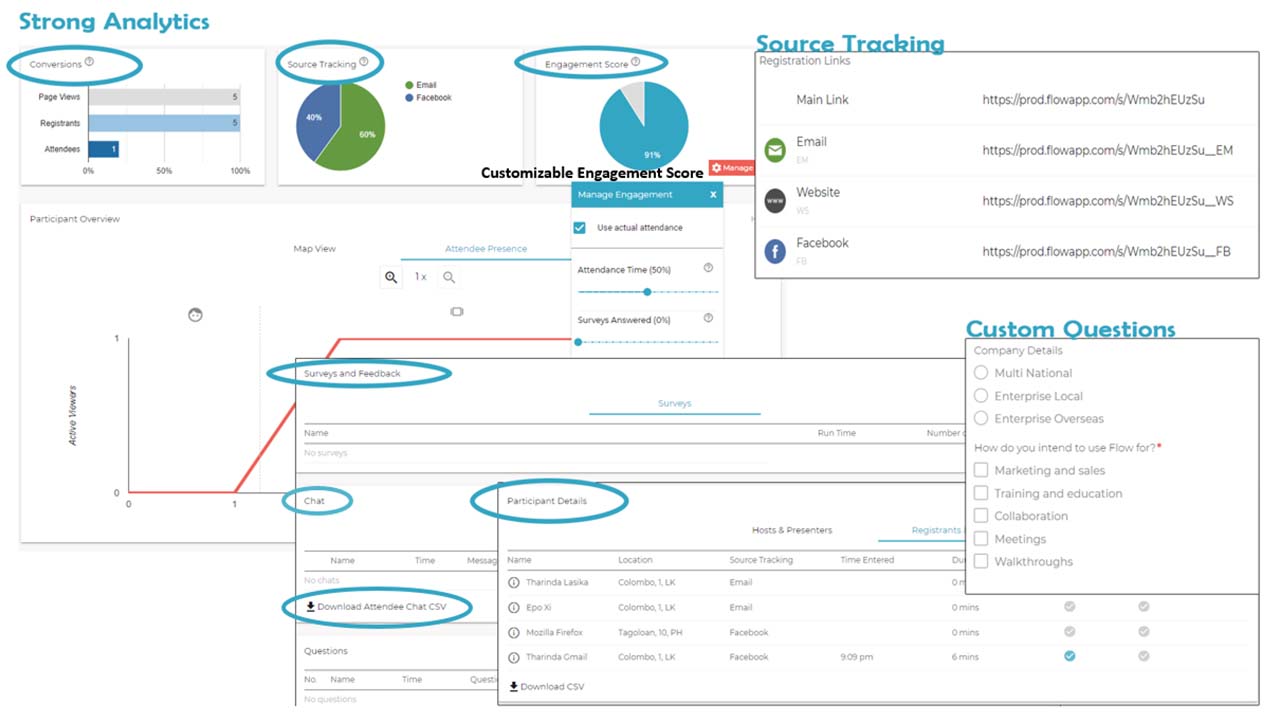
Flow provides detailed analytics post-event, including participant activity maps, engagement scores, and attendance reports. This data is invaluable for assessing the success of webinars and meetings, allowing users to refine future events based on insights gained from previous sessions. The ability to export reports in CSV format further aids in data management and analysis.
Security Features
Security is paramount in web conferencing, and Flow addresses this with robust measures such as participant banning options and chat moderation capabilities. These features ensure that hosts maintain control over their sessions, providing a safe environment for all participants. Enhanced security fosters trust among users when conducting sensitive discussions online.
High-Quality Audio/Video Capabilities
Flow boasts high-definition audio and video quality, essential for effective communication during virtual meetings. The platform supports multiple audio/video devices and provides real-time audio synchronization. This ensures that all participants enjoy a seamless experience without interruptions due to technical glitches.
Overview of Flow Features
- 100% web browser-based
- Autoflow™ (patent pending technology) segment pre-recording
- Fully automated new and past webinars
- Segment migration
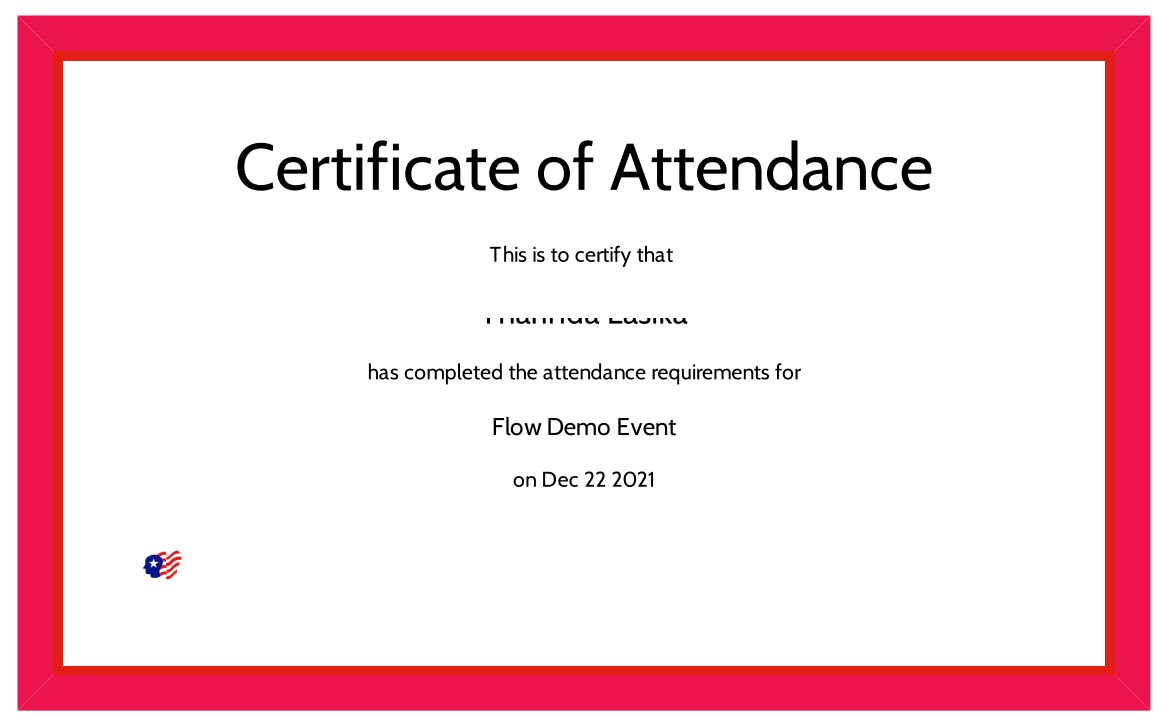
- Certificates for attendees
- Engagement Metrics, Engagement Manager, and Scores
- Single Sign-on access to webinar rooms
- Embed webinar rooms to the customer’s website
- World-class technical support
Flow Position In Our Categories
Knowing that companies have special business-related demands, it is logical they avoid paying for an all-encompassing, “perfect” software system. Nevertheless, it would be difficult to try to discover such application even among popular software solutions. The better thing to do would be to list the varied essential factors which demand research like critical features, costing, skill ability of staff members, organizational size, etc. Thereafter, you must follow through your product research fully. Have a look at some Flow analyses and look into each of the software options in your shortlist more closely. Such well-rounded product investigation ascertain you avoid unfit applications and choose the system that includes all the tools your business requires.
Position of Flow in our main categories:
Every company is different, and might require a specific Web Conferencing Software solution that will be adjusted to their business size, type of customers and staff and even specific niche they deal with. We advise you don't count on locating an ideal app that is going to work for every company no matter what their history is. It may be a good idea to read a few Flow Web Conferencing Software reviews first and even then you should remember what the solution is supposed to do for your company and your employees. Do you require a simple and intuitive solution with only elementary features? Will you actually make use of the complex tools required by experts and large enterprises? Are there any specific tools that are especially beneficial for the industry you operate in? If you ask yourself these questions it is going to be much easier to locate a reliable service that will match your budget.
How Much Does Flow Cost?
Flow Pricing Plans:
Free Trial
Standard
$39
Elite
$39
Prime
$75
What are Flow pricing details?
Flow Pricing Plans:
Free Trial
Standard
$39
Elite
$39
Prime
$75
Flow is available at various pricing plans: Standard, Elite, and Prime.
Standard (starts at $39 for 25 participants)
- 10 events per month
- Unlimited meetings
- Cloud recording
Elite (starts at $39 for 25 participants)
- All Standard features, plus
- 1 room (unlimited use)
- Cloud storage (30 GB)
- No recording
Prime (starts at $75 for 25 participants)
- All Elite features plus
- 1 room (unlimited use)
- Cloud recording (50 GB)
Interested users can also go for a 30-day free trial for 25 attendees with all standard features.
User Satisfaction
Positive Social Media Mentions
0
Negative Social Media Mentions
0
We realize that when you choose to buy a Web Conferencing Software it’s vital not only to find out how experts score it in their reviews, but also to check if the real clients and enterprises that use these solutions are genuinely satisfied with the product. That’s why we’ve created our behavior-based Customer Satisfaction Algorithm™ that aggregates customer reviews, comments and Flow reviews across a broad range of social media sites. The data is then featured in an easy to digest way revealing how many users had positive and negative experience with Flow. With that information at hand you will be ready to make an informed business choice that you won’t regret.
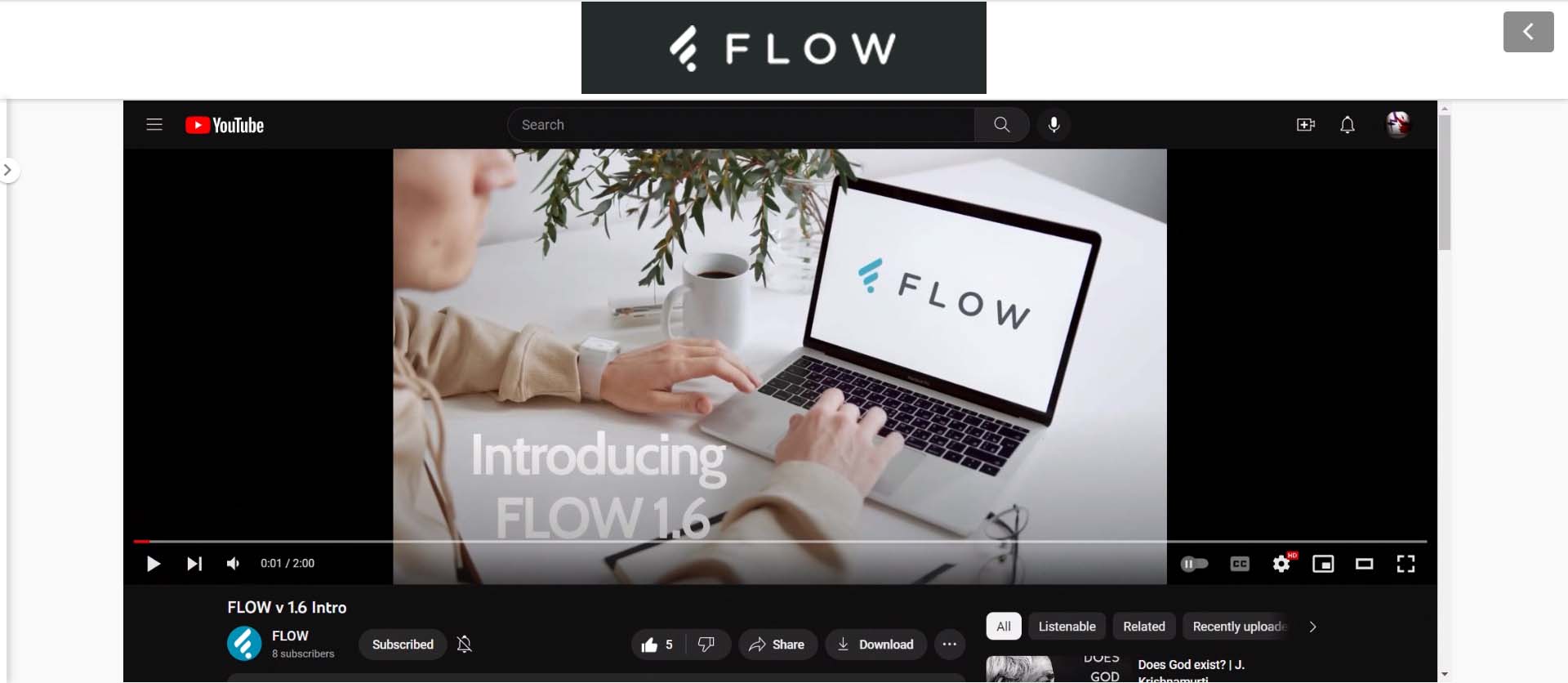
Video
Screenshots
Technical details
Devices Supported
- Windows
- Linux
- iPhone/iPad
- Mac
- Web-based
Deployment
- Cloud Hosted
Language Support
- English
Pricing Model
- Free
- Monthly payment
Customer Types
- Small Business
- Medium Business
What Support Does This Vendor Offer?
- phone
- live support
- training
- tickets
What integrations are available for Flow?
Flow integrates with Zapier.

Flow
is waiting for
your first review.

Write your own review of this product
ADD A REVIEWMore reviews from 0 actual users:


Join a community of 7,369 SaaS experts
Thank you for the time you take to leave a quick review of this software. Our community and review base is constantly developing because of experts like you, who are willing to share their experience and knowledge with others to help them make more informed buying decisions.
Sign in with LinkedIn
Why we require LinkedIn?
- Show the community that you're an actual user.
- We will only show your name and profile image in your review.
- You can still post your review anonymously.
OR
Sign in with company emailSign in with company email
Popular Flow Alternatives




Top Competitors To Flow By Price
Product name:
Price:


Trending Web Conferencing Software Reviews
Flow Comparisons


Page last modified
Award Winner


Did you find this review useful?
Yes
No
Thank you for your feedback
How can we make this page better?
Unsure about this software?
FIND ALTERNATIVES
 Why is FinancesOnline free?