

Spendesk Review



What is Spendesk?
Spendesk is an expense management software that provides businesses and organizations with a simple way to manage, monitor, and control their spending. With smart prepaid credit cards and virtual cards, employees are able to spend within their allotted budget and make payments on products and services specified by the management, effectively eliminate overspending and buying things the team doesn’t need.
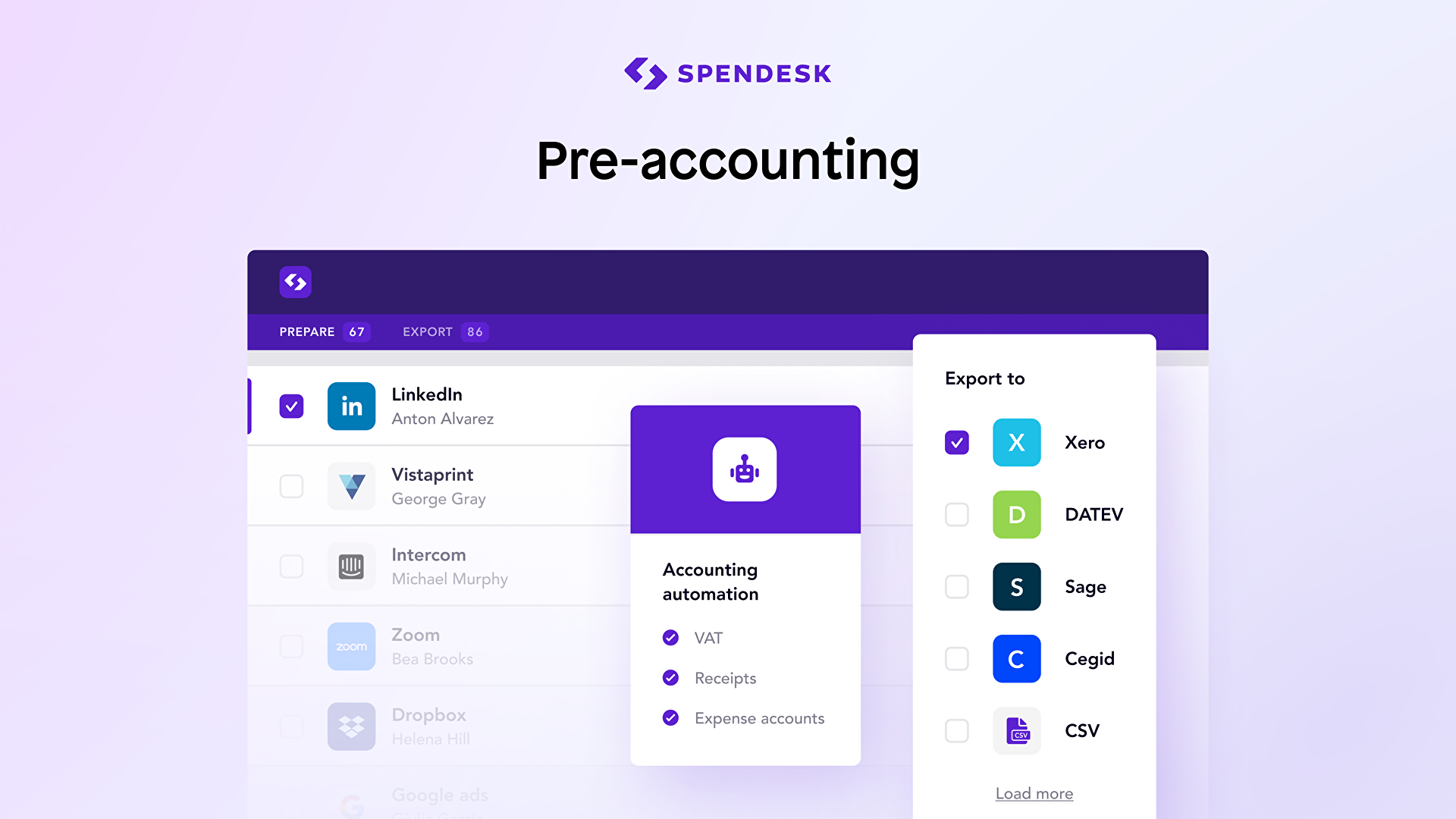
Spendesk is built with real-time tracking capabilities and automatically records all details of every transaction, making it easy for users to create expense reports, reconcile their spending, and perform audit trails among others. There is no need for confusing paperwork, Spendesk simplifies bookkeeping and can export all numbers and figures to the users’ existing accounting software.
With Spendesk, the company’s money is well spent.
Show MoreOverview of Spendesk Benefits
Comprehensive spend management platform
Spendesk equips your organization with a platform that has all the tools you need to manage and monitor company expenses. While other solutions offer one or a couple of key capabilities, Spendesk gives you smart prepaid credit cards as alternatives to business credit cards that you can use for physical purchases, virtual cards for online transactions, and automatic capture of transaction details. There is no need for you to keep receipts and write down all the details of your purchases and payments, Spendesk records and stores everything into the system.
Controlled Spending
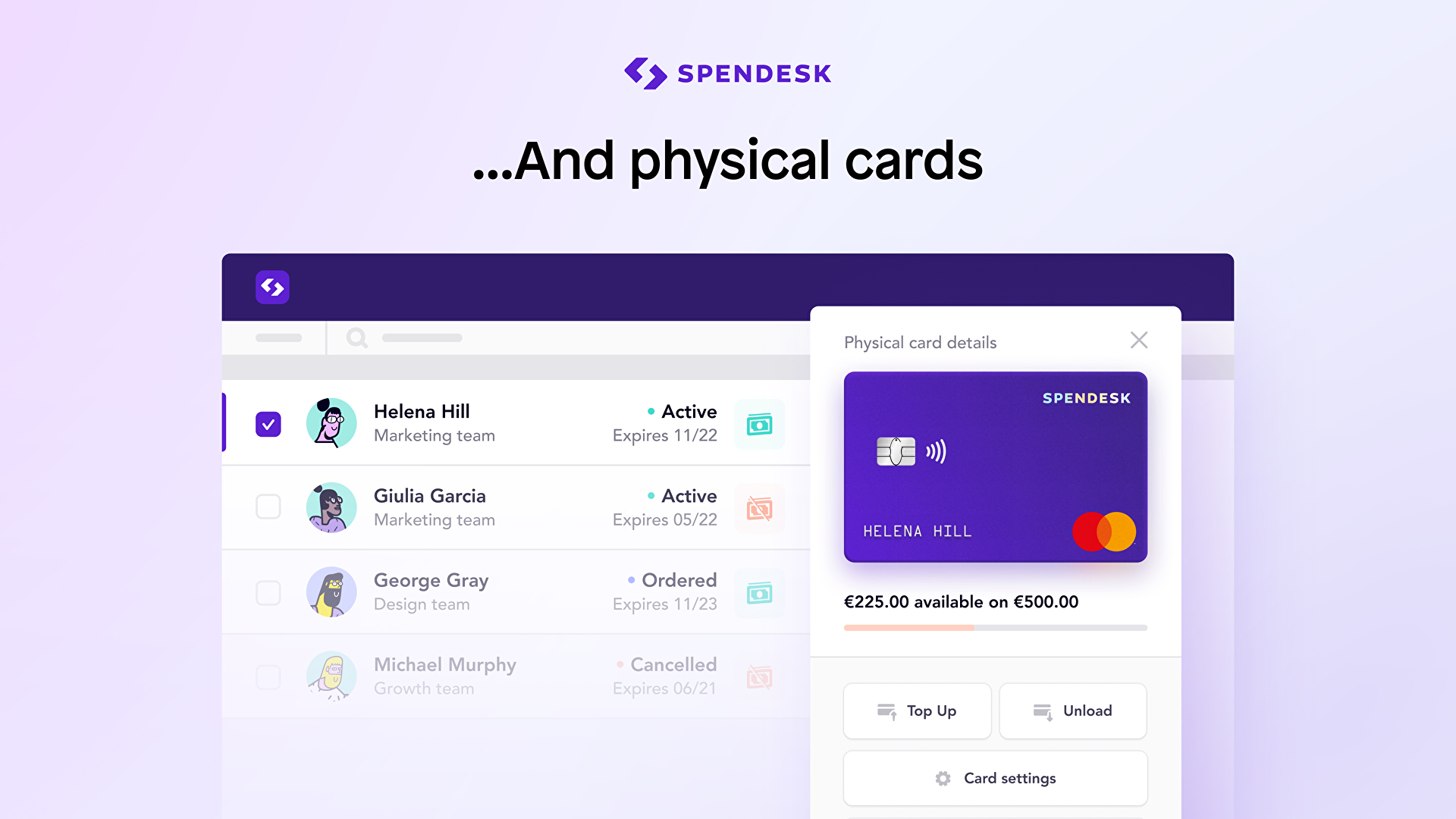
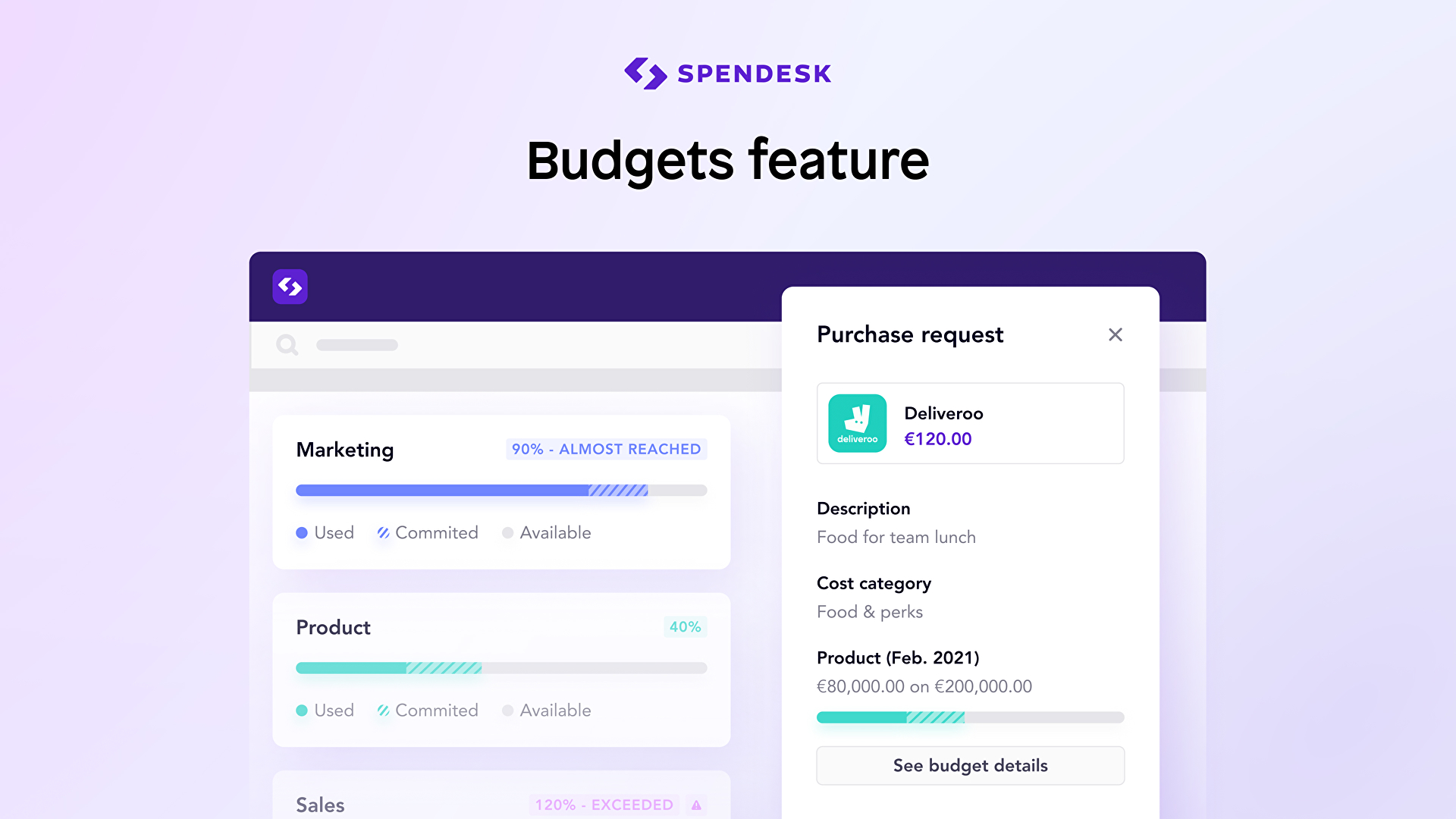
With Spendesk smart prepaid credit cards, you don’t have to worry about an employee getting overzealous with the company’s funds. You can configure a specific budget per card and specify the items or services your employee can pay for using their prepaid credit cards. All your employees are empowered to spend within their budget reserved to them, eliminating instances of overboard spending and wrong purchases.
Automatic Data Capture
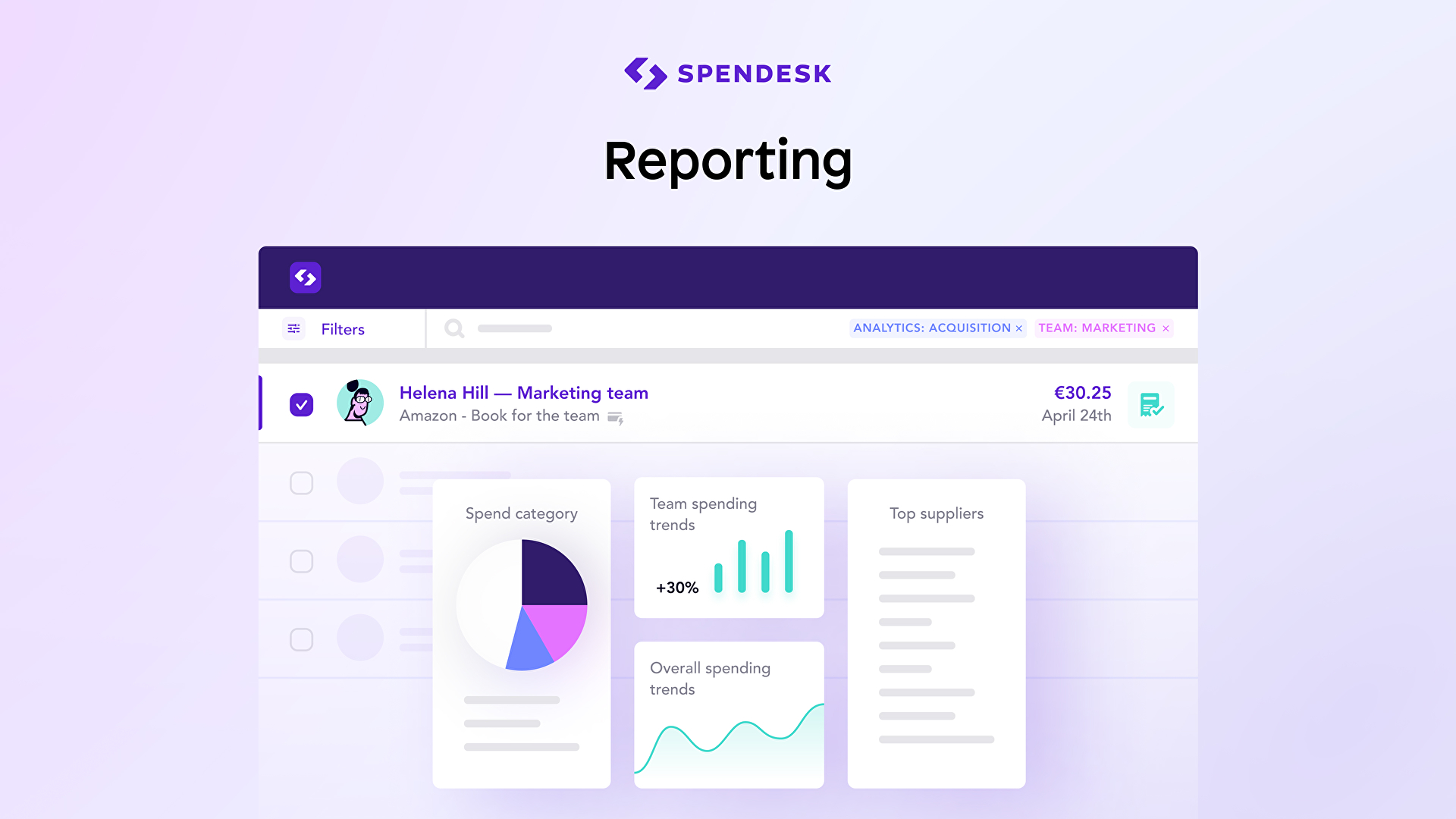
When you have a spend management solution that records all information related to company spending, you never have to worry about losing receipts, tickets, and other documents to go with your expense reports. Spendesk captures all the data per transaction: time, date, venue, item, amount, etc. The software stores them into the system, profiling and categorizing all your transaction information that you can access anytime for audit, reporting, and exporting purposes.
Show MoreOverview of Spendesk Features
- Prepaid Master Credit Cards
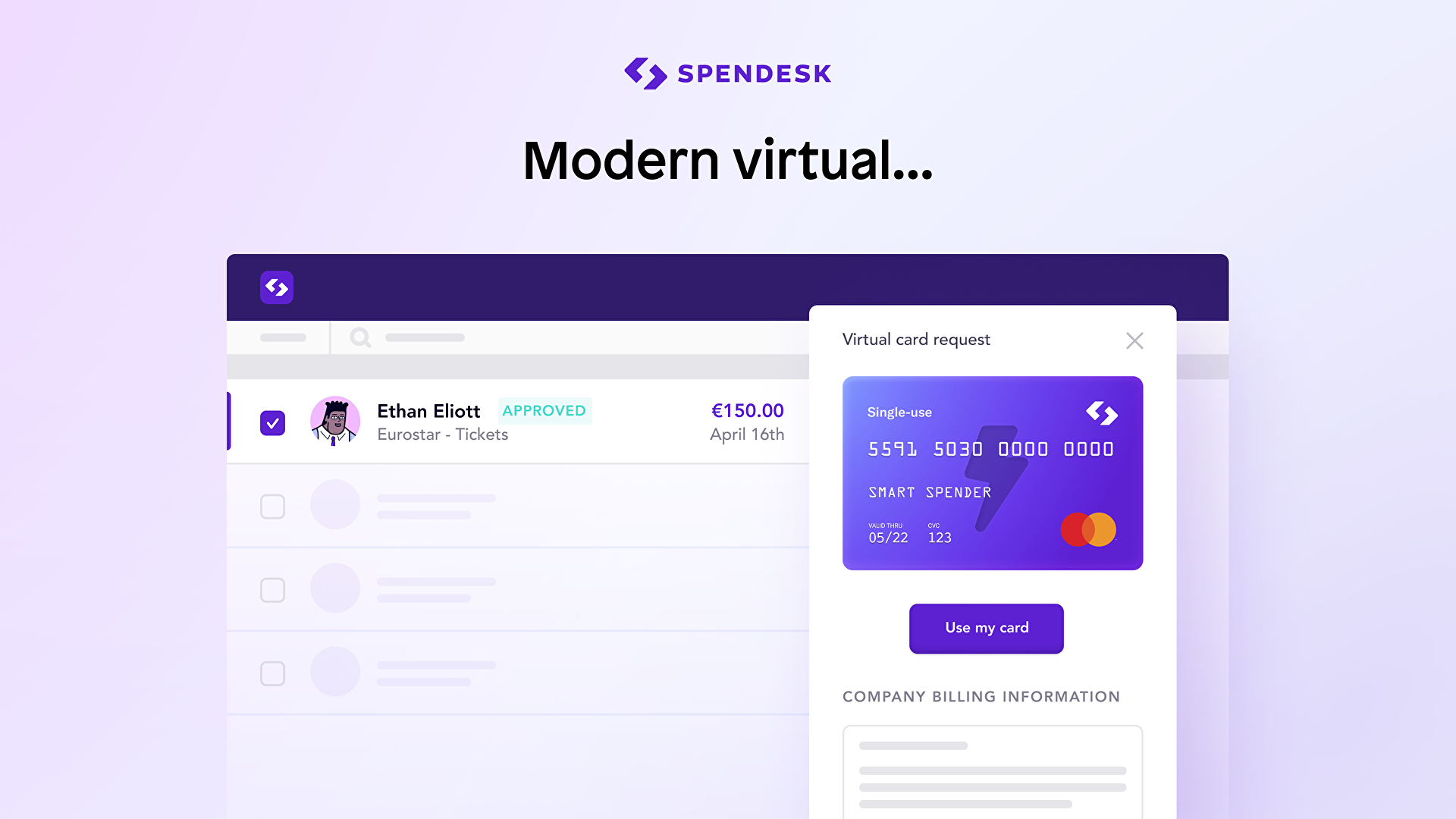
- Single-use virtual cards for online payments
- Monthly-capped virtual cards for subscriptions
- Track purchases from order to payment
- Define custom budgets per teammate
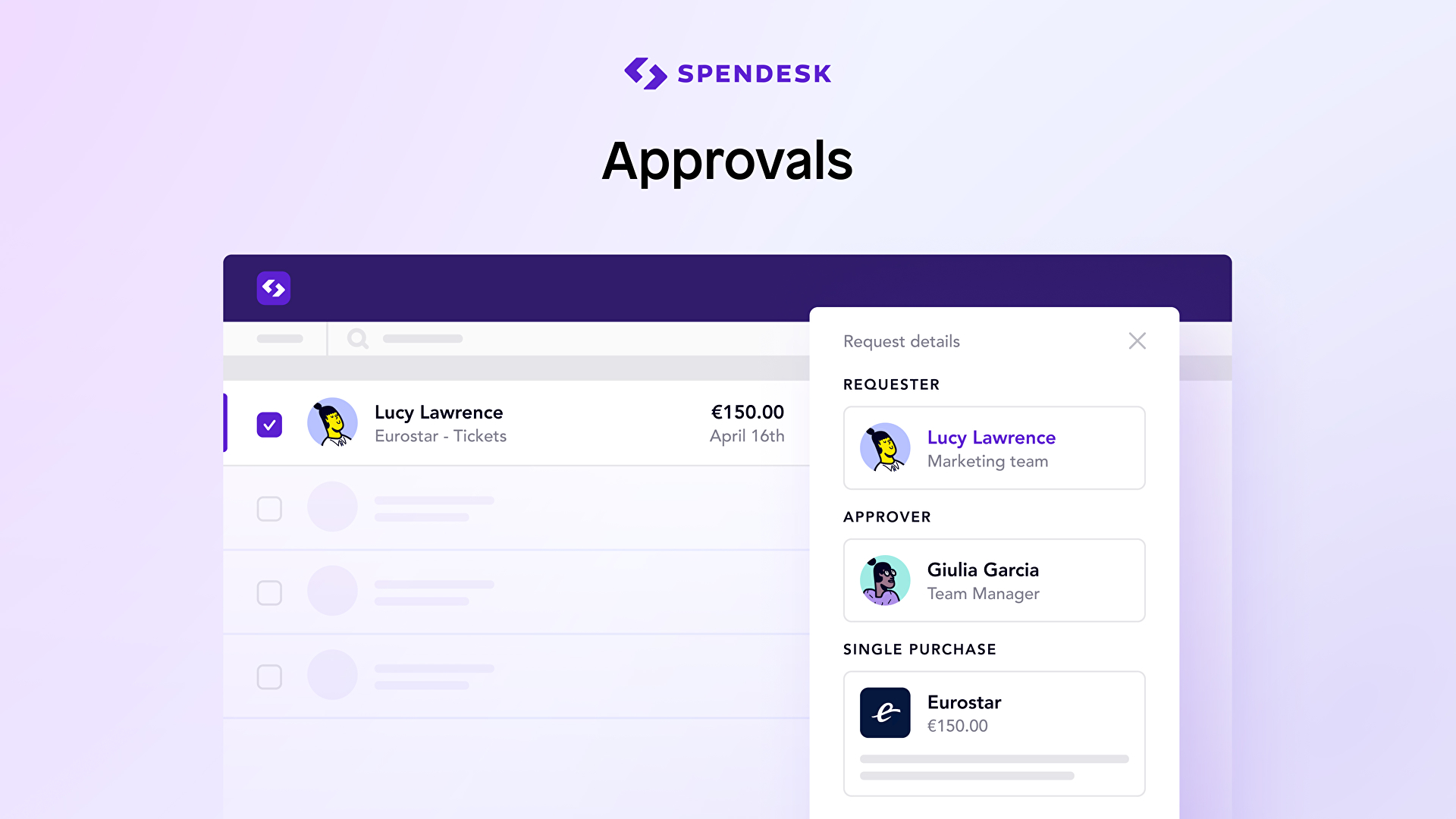
- Set up clear approval flows for purchase requests
- Automated invoice recovery and matching
- Instant payment categorization
- One-click export to your accounting software
What Problems Will Spendesk Solve?
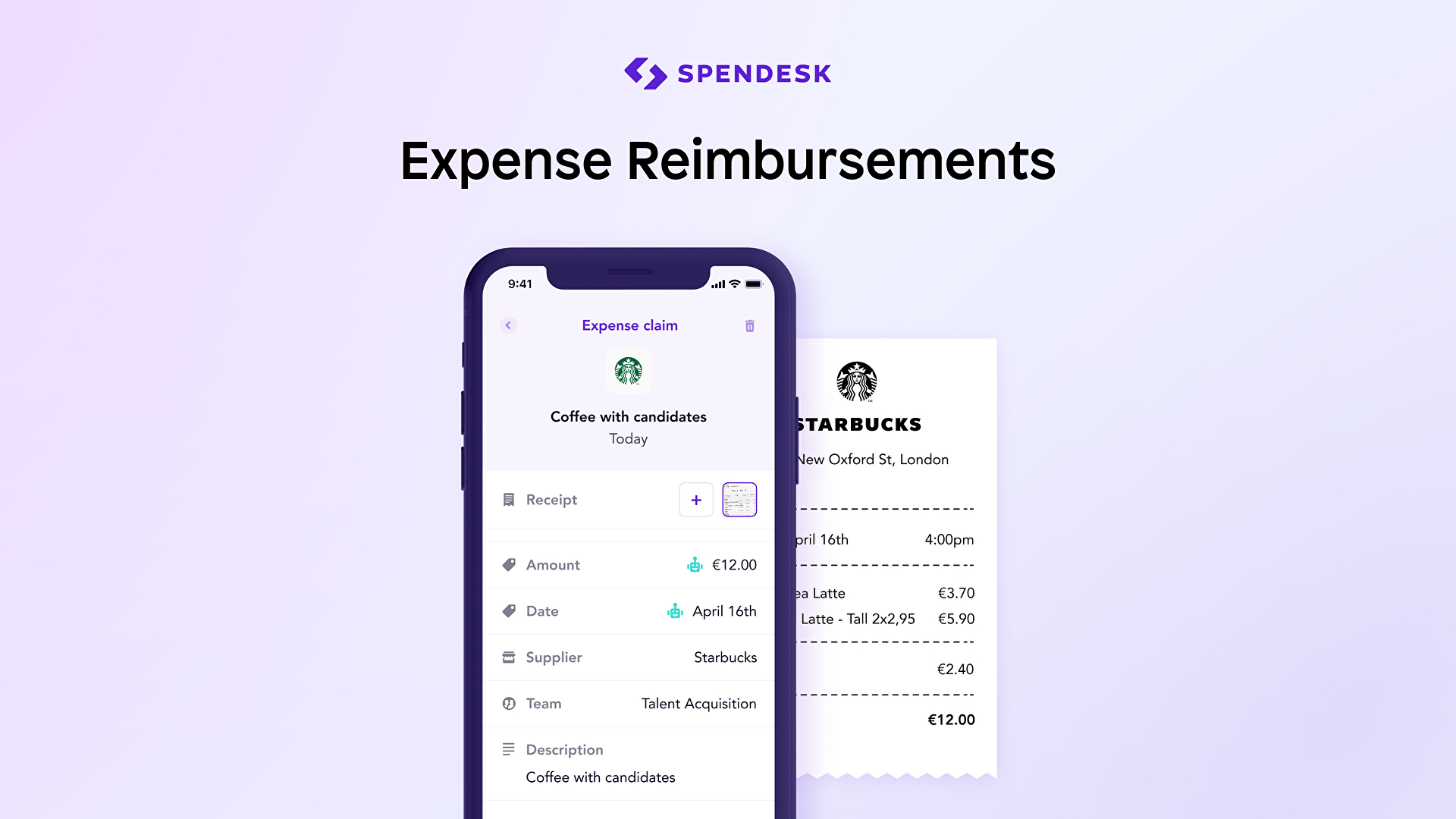
1. Nobody enjoys filing expense reports. Employees first have to pay for things out of their own pocket, then have to fill out a report and provide proof in order to be reimbursed.
Spendesk provides prepaid cards for companies to give to employees. These have customized limits (set by a manager or CEO), so you’re confident that the employee spends appropriately. And equally, employees don’t have to spend with their own money.
All of these payments are tracked, and employees can easily save receipts with their smart phones for reconciliation.
2. Modern companies make a lot of online payments. Every time you use the company card on a website, you expose it to the risk of being hacked. Spendesk offers virtual cards, each with their own automatically generated card details.
These have a set budget, so even if the card is hacked, a hacker can’t spend any more money. And if you do need to cancel one, it only affects that payment – all the other subscriptions you have can safely continue to be paid.
3. Finance teams spend far too much time chasing employees for proofs of payment, then painstakingly reconciling these again rows in a spreadsheet.
Spendesk tracks every payment, the person who made it, and what it was for, and then lets the user save a proof of purchase directly into the platform. For finance teams, they simply have to look through the dashboard to make sure everything looks right, then can export everything to send to their accountant.
Awards & Quality Certificates


Spendesk Position In Our Categories
Since businesses have unique business-related requirements, it is practical that they steer clear of going for an all-in-one, ”best” software product. Just the same, it would be futile to try to pinpoint such an app even among branded software solutions. The better step to undertake can be to shortlist the numerous vital factors that require scrutiny including major features, packages, technical skill competence of staff members, company size, etc. Then, you should conduct your product research through and through. Go over some Spendesk evaluations and explore the other software options in your list in detail. Such well-rounded research ensure you weed out poorly fit applications and subscribe to the system that offers all the benefits your business requires to be successful.
Position of Spendesk in our main categories:
TOP
500
Spendesk is one of the top 500 Accounting Software products
It is crucial to note that almost no app in the Accounts Payable Software category will be a perfect solution that can fulfill all the goals of various business types, sizes and industries. It may be a good idea to read a few Spendesk Accounts Payable Software reviews first as specific solutions may dominate only in a really narrow set of applications or be created with a really specific industry in mind. Others can work with an idea of being simple and intuitive and as a result lack advanced features needed by more experienced users. You can also find services that cater to a broad group of customers and give you a powerful feature toolbox, however that in most cases comes at a higher price of such a service. Ensure you're aware of your needs so that you pick a software that offers all the features you look for.
How Much Does Spendesk Cost?
Spendesk Pricing Plans:
Free Trial
Quote-based Plan
Contact Vendor
What are Spendesk pricing details?
Spendesk Pricing Plans:
Free Trial
Quote-based Plan
Contact Vendor
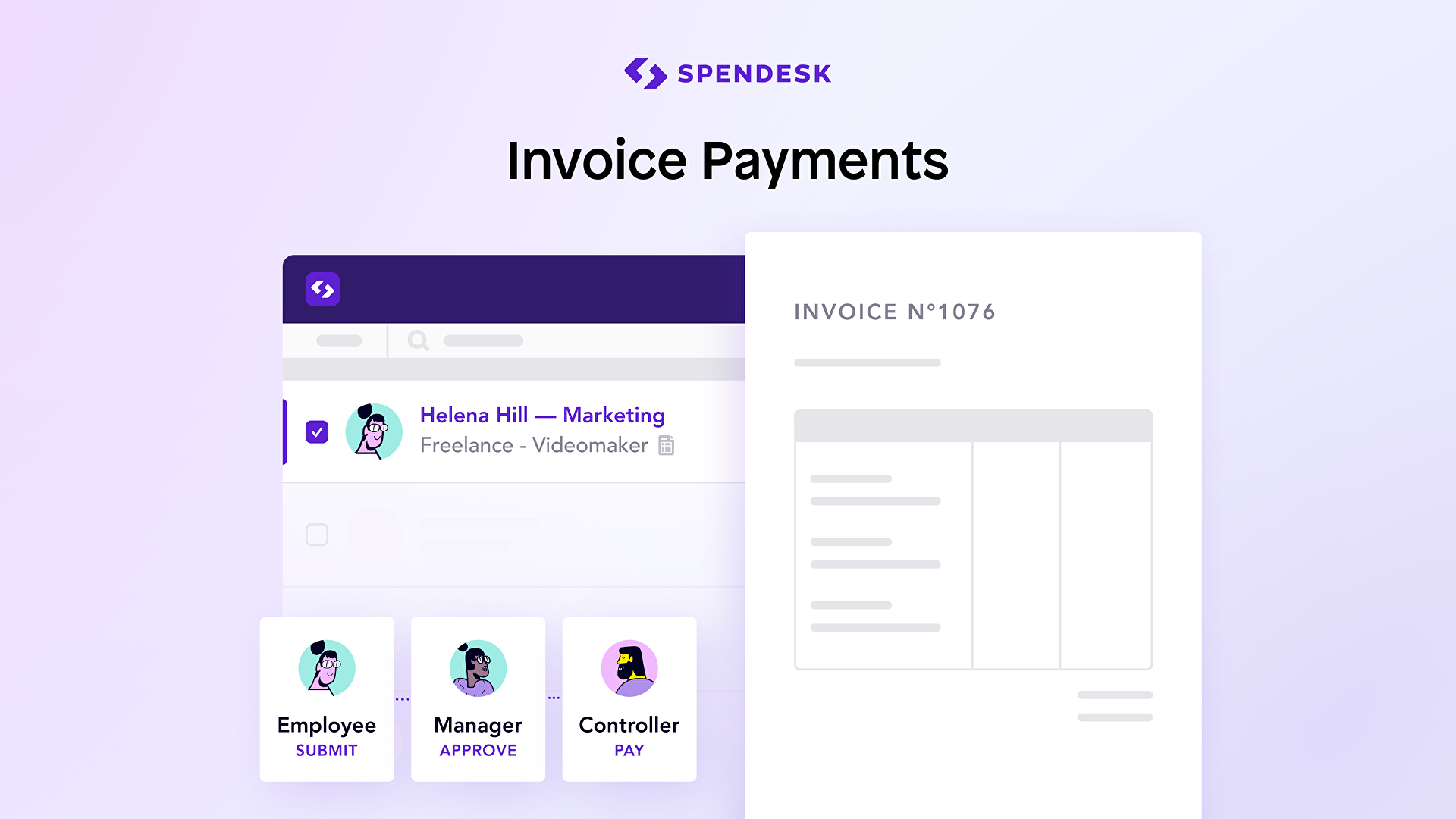
Spendesk is the complete spend management platform that gives 100% visibility into company spend. With Spendesk, you get a 7-in-1 solution with corporate cards, invoice payments, expense reimbursements, budgets, approval, reporting, compliance, and pre-accounting in one simple, scalable solution. Trusted by thousands of businesses from start-ups to established brands, Spendesk is designed to save time and money across the entire spending process.
User Satisfaction
Positive Social Media Mentions
15
Negative Social Media Mentions
2
We know that when you decide to purchase a Accounts Payable Software it’s vital not only to find out how professionals score it in their reviews, but also to discover whether the actual clients and companies that bought these solutions are indeed happy with the service. Because of that need we’ve created our behavior-based Customer Satisfaction Algorithm™ that collects customer reviews, comments and Spendesk reviews across a vast range of social media sites. The information is then displayed in a simple to understand form indicating how many customers had positive and negative experience with Spendesk. With that information at hand you should be equipped to make an informed purchasing decision that you won’t regret.
Video
Screenshots
Technical details
Devices Supported
- Windows
- Linux
- Android
- iPhone/iPad
- Mac
- Web-based
- Windows Mobile
Deployment
- Cloud Hosted
- On Premise
Language Support
- English
- German
- Spanish
- French
Pricing Model
- Quote-based
Customer Types
- Small Business
- Large Enterprises
- Medium Business
What Support Does This Vendor Offer?
- phone
- live support
- training
- tickets
What integrations are available for Spendesk?
Spendesk integrates with the following business systems and applications:
Xero
QuickBooks
DATEV
Zapier
and more

Spendesk
is waiting for
your first review.

Write your own review of this product
ADD A REVIEWMore reviews from 0 actual users:


Join a community of 7,369 SaaS experts
Thank you for the time you take to leave a quick review of this software. Our community and review base is constantly developing because of experts like you, who are willing to share their experience and knowledge with others to help them make more informed buying decisions.
Sign in with LinkedIn
Why we require LinkedIn?
- Show the community that you're an actual user.
- We will only show your name and profile image in your review.
- You can still post your review anonymously.
OR
Sign in with company emailSign in with company email
Popular Spendesk Alternatives





Top Competitors To Spendesk By Price
Product name:
Price:

Quote-based



Trending Accounts Payable Software Reviews


8.0
96%

Spendesk Comparisons
Product name:






Page last modified



Did you find this review useful?
Yes
No
Thank you for your feedback
How can we make this page better?
Unsure about this software?
FIND ALTERNATIVES
 Why is FinancesOnline free?