

SmartAdmin Review


What is SmartAdmin?
Smart Admin is a project management software that helps you run your day-to-day business operations in an organized manner. This software is ideal for small to medium-sized businesses. Since the software is web-based, you can access it from any device with an Internet connection.
Some of SmartAdmin’s main features include project management, team management, payroll management, leave management, tax management, invoicing, and time tracking. SmartAdmin is also customizable. You can change the app settings based on your geographic location, currency, and culture.
The vendor offers data security measures to protect your privacy online. Any personally identifiable information is encrypted with private keys. SmartAdmin also runs automatic backups to ensure that you don’t lose your data in the event of hardware damages or natural disasters.
The configuration option and variety of features, along with the lowest subscription cost, make SMART ADMIN a hot product in the SaaS market.
The following software tools are available, which can be configured for any geography:
- Project Tracker
- Multiple Timesheet
- Multiple Currencies
- Multiple modes of billing
- Pay Structure multiple types
- Leave Management
- Tax Management
Overview of SmartAdmin Benefits
Project Management
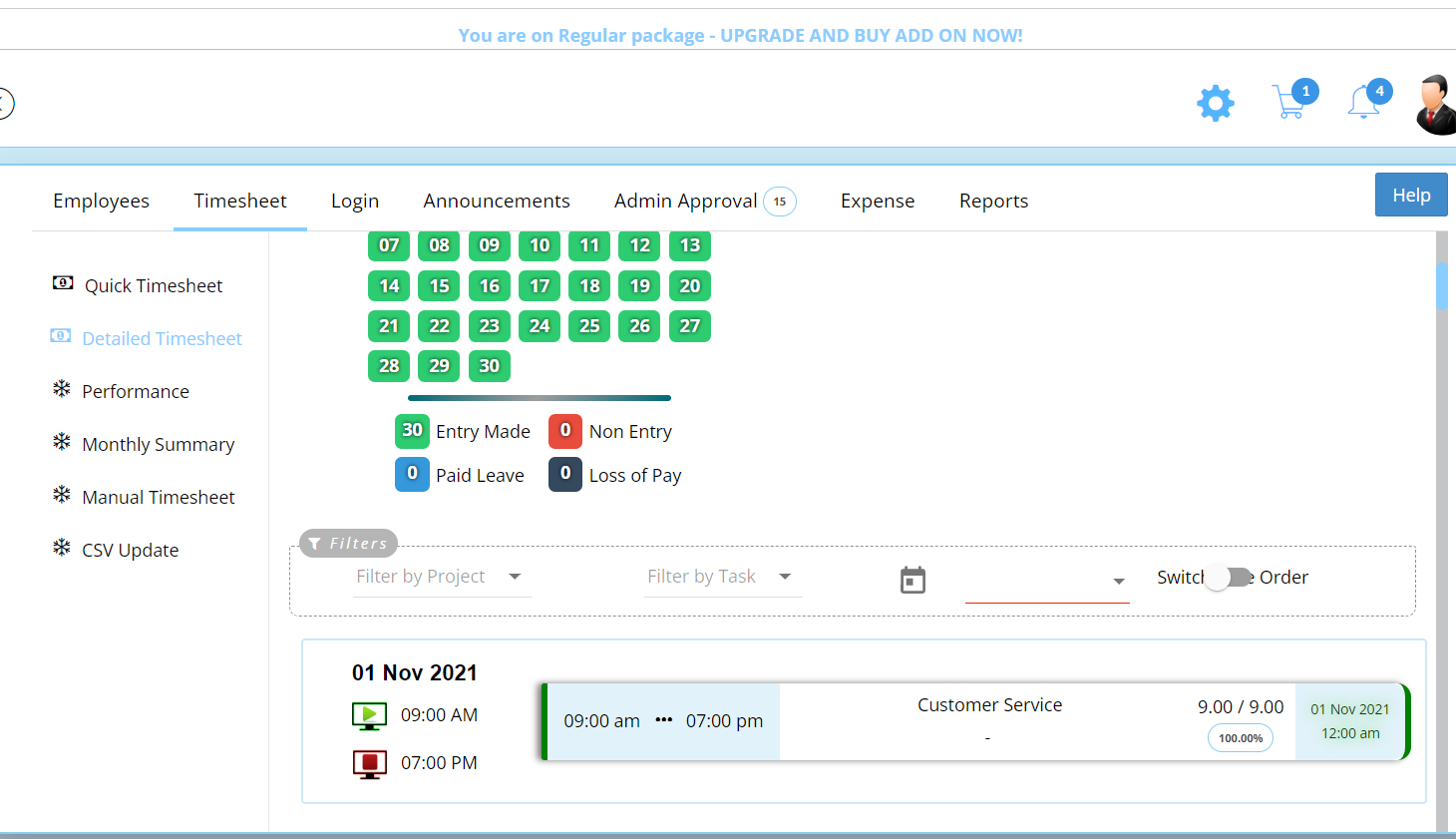
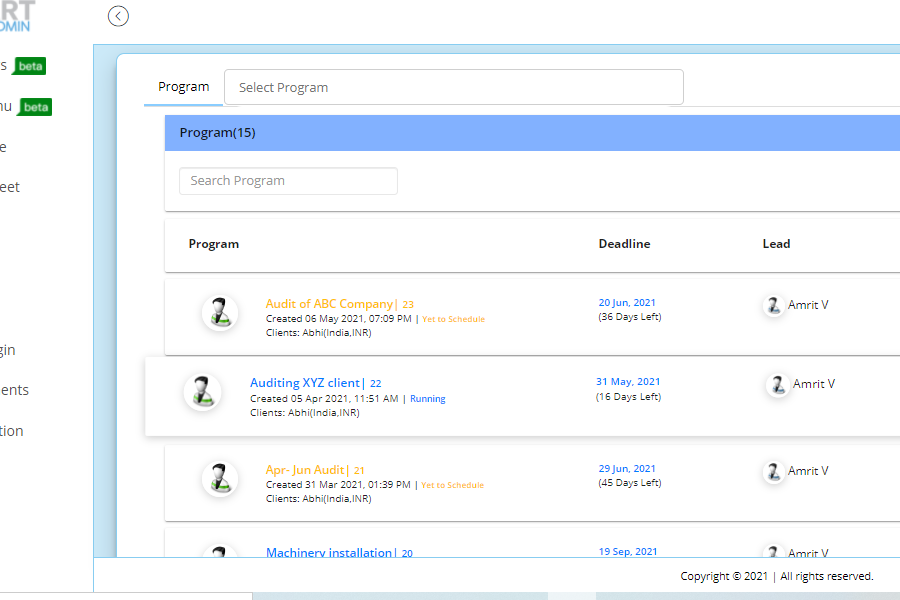
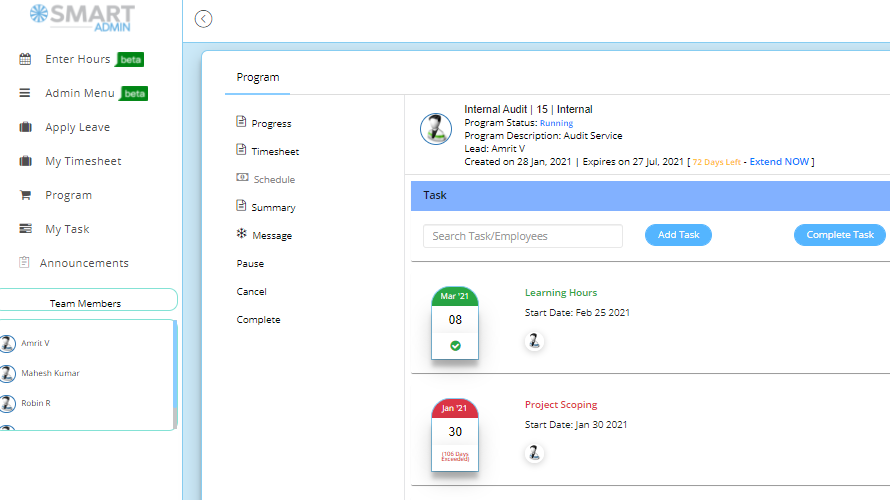
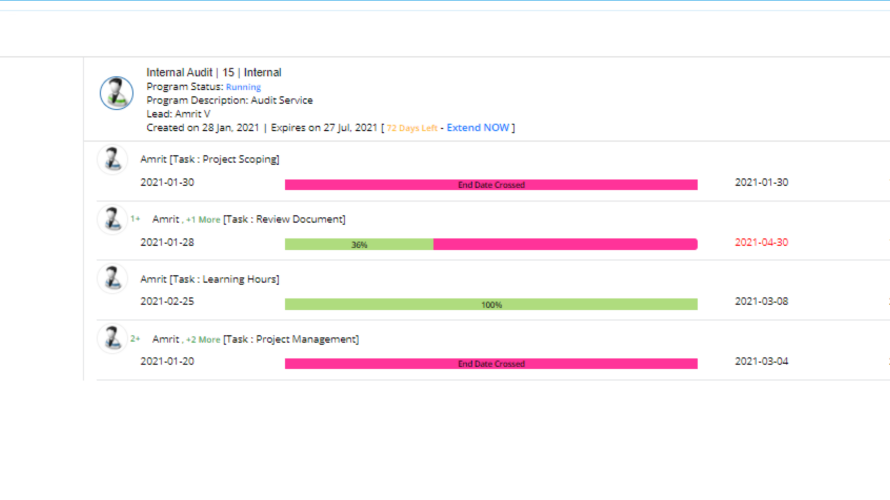
You can use SmartAdmin to plan your projects. Any member can create a project in the app, then once you or an admin approves it, you and your team can begin the project. You can create tasks and subtasks, then assign them to any team member. There is a project summary feature where you can see the project’s progress. You can also add cost proposals and create project objectives.
Team Management
SmartAdmin can help you properly manage your team. You will know which team members are available so that you can properly delegate tasks. You will be able to communicate with your members by sending them messages using the app or attaching important files. SmartAdmin also has email integration to help you organize your mailboxes better.
Payroll Management
SmartAdmin can help you keep track of employee attendance plus paid and unpaid leaves. Your employees are required to log in when they start working and log out when their shifts end. Their total work hours are recorded in the timesheet so that you can pay them appropriately. You will also be able to see how many hours they spent on certain tasks as well as any unproductive hours.
Show MoreOverview of SmartAdmin Features
- Project Summary
- Time Tracking
- Invoicing
- Currency Support
- Employee and Client Profiles
- Payroll
- Statutory Reports
What Problems Will SmartAdmin Solve?
Problem #1: Project failure is often the result of poor planning.
Planning is the backbone of projects. Before starting to work on a certain project, you need to create clear objectives, evaluate the needs of stakeholders, organize a team, assign roles, and establish a budget. With SmartAdmin’s planning tools, you can add a communications plan, staffing plan, risk management plan, or all of the above. These additional plans can help you easily tackle all the stages of the planning process and ensure that there will be no gaps when you start the project.
Problem #2: High cost of owning software.
SmartAdmin is designed as a cloud-based software to help you save up on hardware costs and maintenance fees. Not every software can provide you with all the tools that you need, which is why some businesses buy software bundles or different types of software with different features. SmartAdmin has integrated invoice, timesheet, payroll, and project management features so that you do not need to source multiple software.
Problem #3: Features don’t align with business needs
Not every company needs all the high-end features provided by SmartAdmin which is why the vendor designed it to be scalable. SmartAdmin gives you the option to start small and only pay for the features that you currently need, then you can add more features as your company grows.
Awards & Quality Certificates


SmartAdmin Position In Our Categories
Keeping in mind businesses have unique business needs, it is prudent they abstain from buying a one-size-fits-all, ideal software system. However, it is difficult to try to stumble on such a software system even among well-known software systems. The right thing to do is to write down the varied essential factors that call for a deliberation including essential features, packages, skill capability of staff, organizational size, etc. Next, you must do the research systematically. Go over some SmartAdmin review articles and check out each of the software systems in your list more closely. Such all-encompassing research ascertains you steer clear of unsuitable apps and buy the system which has all the aspects your company requires.
Position of SmartAdmin in our main categories:
TOP
500
SmartAdmin is one of the top 500 Project Management Software products
If you are interested in SmartAdmin it may also be beneficial to examine other subcategories of Project Management Software collected in our database of SaaS software reviews.
Every organization has different requirements and requires an application that can be customized for their size, kind of employees and customers, and the particular industry they are in. For these reasons, no system can proffer perfect tools out-of-the-box. When you try to find a software app, first be sure what you need it for. Read some SmartAdmin Project Management Software reviews and ask yourself do you desire basic tools or do you require advanced tools? Are there any industry-specific tools that you are seeking? Find the answers to these queries to help your search. There are multiple factors that you need to consider and these include your finances, specific business needs, your company size, integration requirements etc. Take your time, use a few free trials, and finally select the platform that provides all that you want to enhance your company efficiency and productivity.
How Much Does SmartAdmin Cost?
SmartAdmin Pricing Plans:
Free Trial
Project Tracker
$29/month
Project Tracker Plus Invoice
$49/month
Global Basic
$29/month
What are SmartAdmin pricing details?
SmartAdmin Pricing Plans:
Free Trial
Project Tracker
$29/month
Project Tracker Plus Invoice
$49/month
Global Basic
$29/month
SmartAdmin offers the following plans:
Project Tracker – Promotional Global – $29/year
- 6 team members
- 6 projects
- Timesheet with payroll
Project Tracker Plus Invoice – Promotional Global – $49/year
- Unlimited invoices
- Invoice configurable to local laws
Global Basic – $29/month
- 25 members
- Payroll
- 25 projects per month
- Unlimted invoices
User Satisfaction
Positive Social Media Mentions
14
Negative Social Media Mentions
0
We know that when you decide to purchase a Project Management Software it’s important not only to see how professionals evaluate it in their reviews, but also to check if the actual users and businesses that bought these solutions are indeed content with the service. Because of that need we’ve created our behavior-based Customer Satisfaction Algorithm™ that gathers customer reviews, comments and SmartAdmin reviews across a vast array of social media sites. The data is then displayed in an easy to digest format indicating how many people had positive and negative experience with SmartAdmin. With that information available you will be ready to make an informed buying choice that you won’t regret.
Video
Screenshots
Technical details
Devices Supported
- Android
- Web-based
Deployment
- Cloud Hosted
Language Support
- English
Pricing Model
- Monthly payment
- Annual Subscription
Customer Types
- Small Business
- Medium Business
- Freelancers
What Support Does This Vendor Offer?
- phone
- live support
- training
- tickets
What integrations are available for SmartAdmin?
SmartAdmin offers integration in the upcoming higher version of the software.

SmartAdmin
is waiting for
your first review.

Write your own review of this product
ADD A REVIEWMore reviews from 0 actual users:


Join a community of 7,369 SaaS experts
Thank you for the time you take to leave a quick review of this software. Our community and review base is constantly developing because of experts like you, who are willing to share their experience and knowledge with others to help them make more informed buying decisions.
Sign in with LinkedIn
Why we require LinkedIn?
- Show the community that you're an actual user.
- We will only show your name and profile image in your review.
- You can still post your review anonymously.
OR
Sign in with company emailSign in with company email
Popular SmartAdmin Alternatives





Top Competitors To SmartAdmin By Price
Product name:
Price:





Trending Project Management Software Reviews


SmartAdmin Comparisons
Product name:








Page last modified



Did you find this review useful?
Yes
No
Thank you for your feedback
How can we make this page better?
Unsure about this software?
FIND ALTERNATIVES
 Why is FinancesOnline free?